Pick a few, or a hundred.
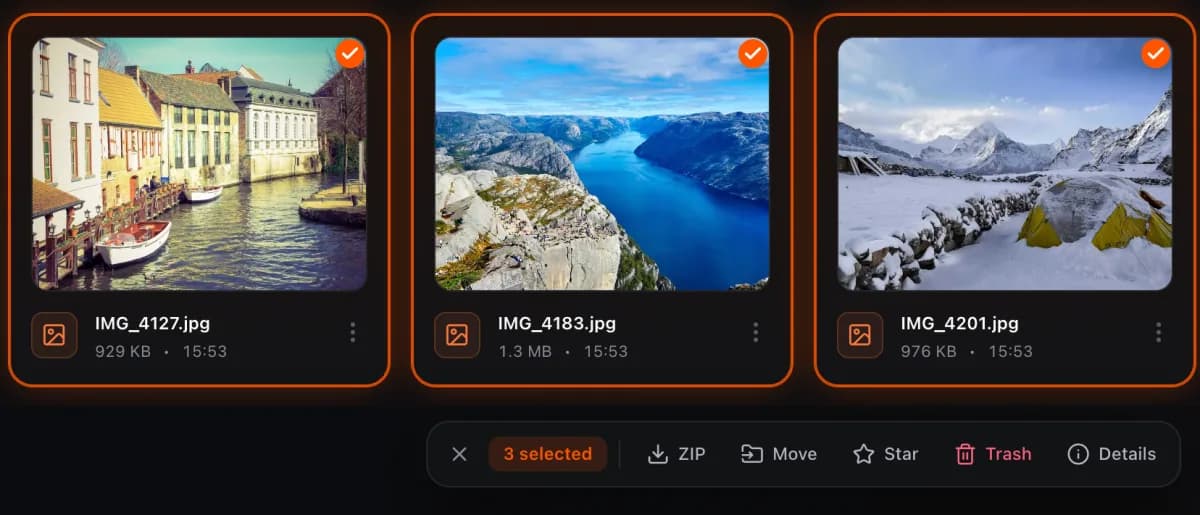
Select files to move, star or trash them together, or download the lot as one ZIP.
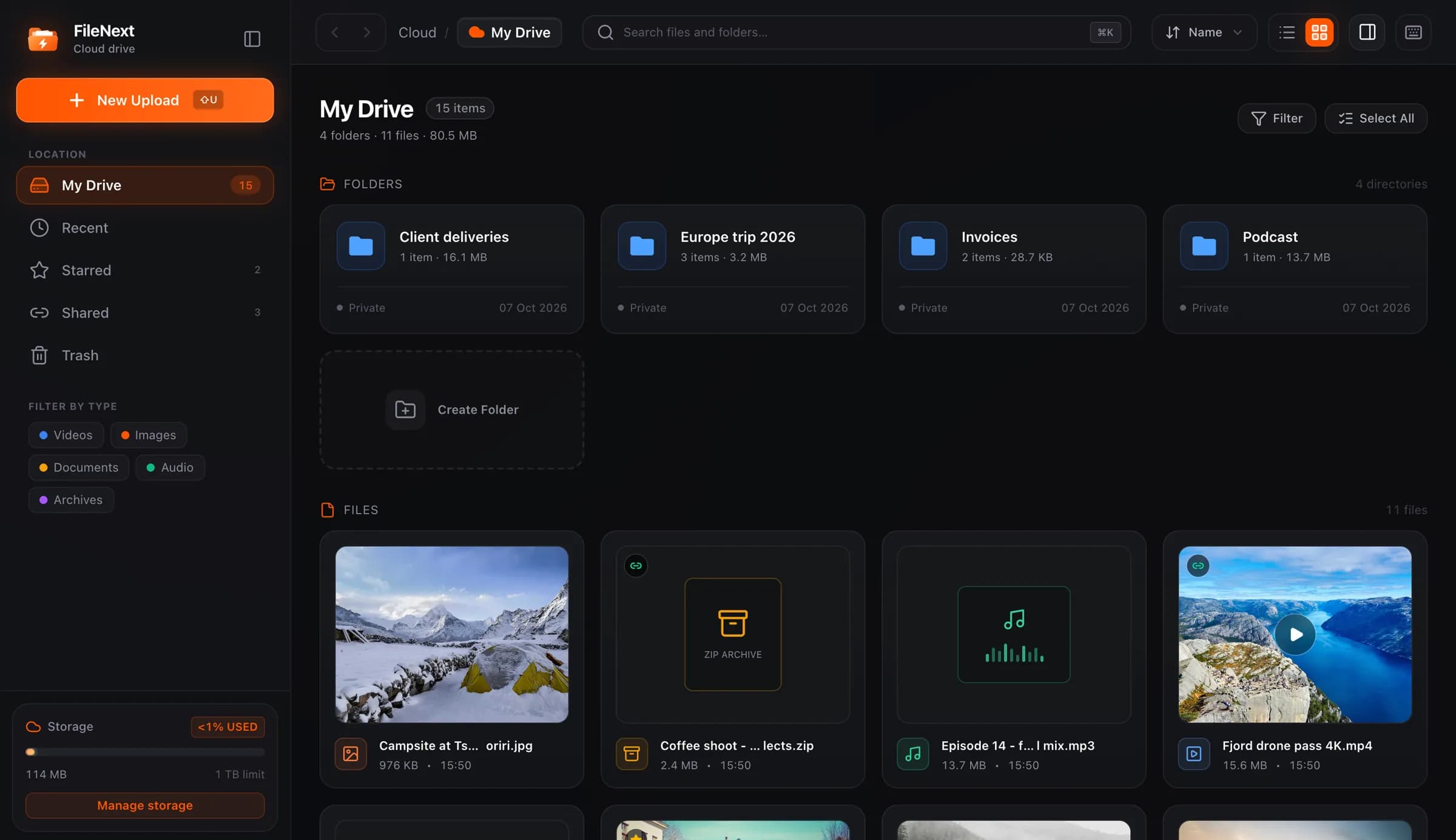
1 TB of free storage, no limit on file size, and videos that play right in the browser.
Free on every account. No card needed.
If your connection drops, the upload carries on from where it stopped.
The people you share with tap it, and the file opens in the free FileNext app.
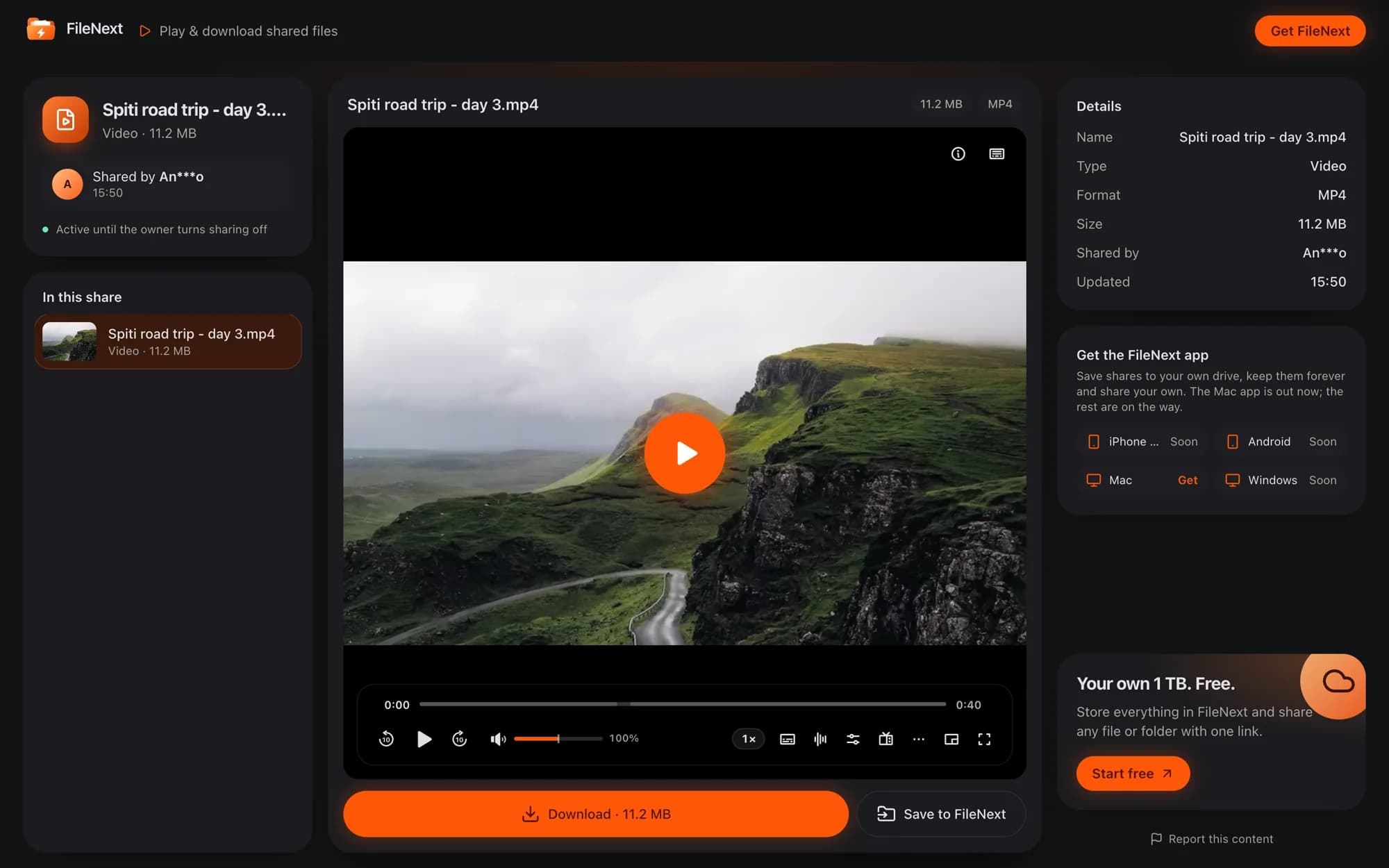
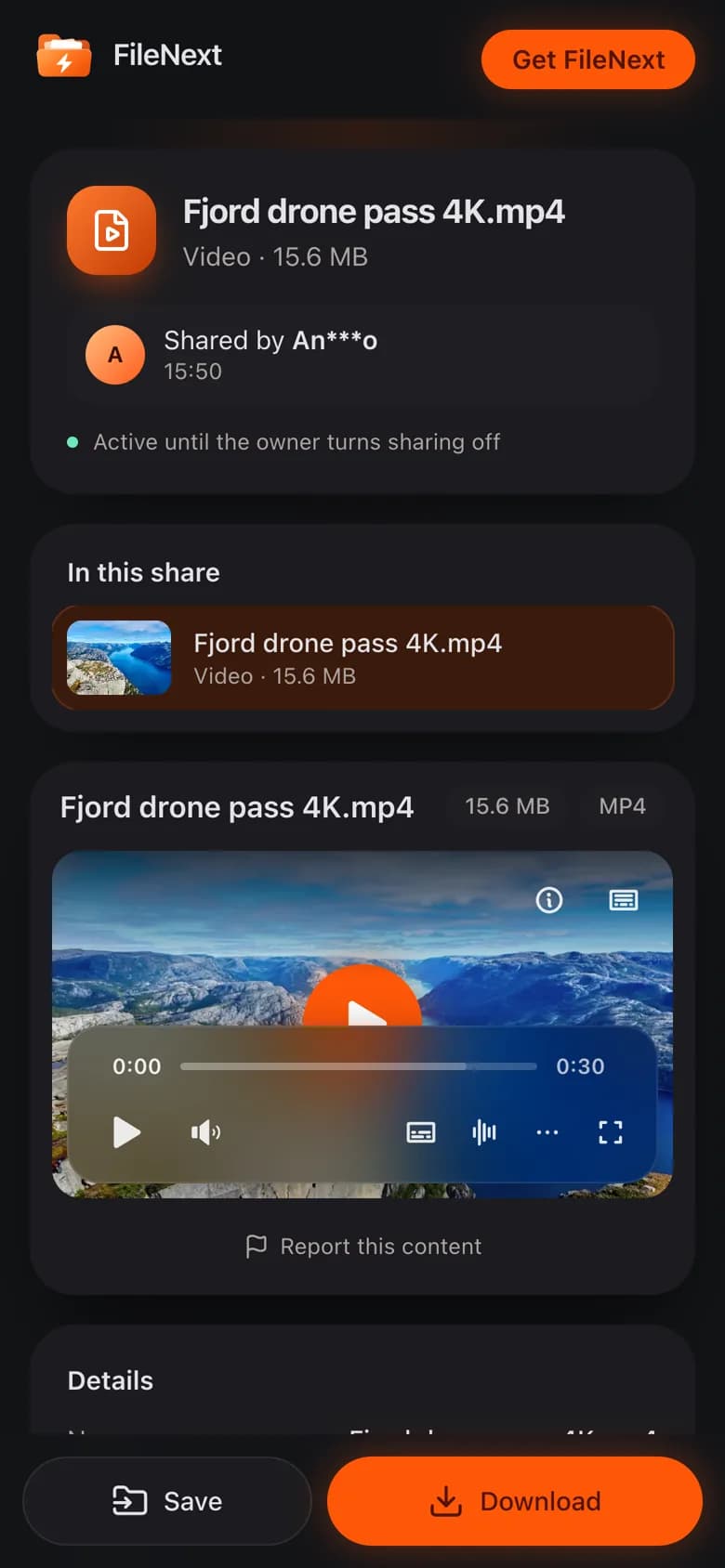
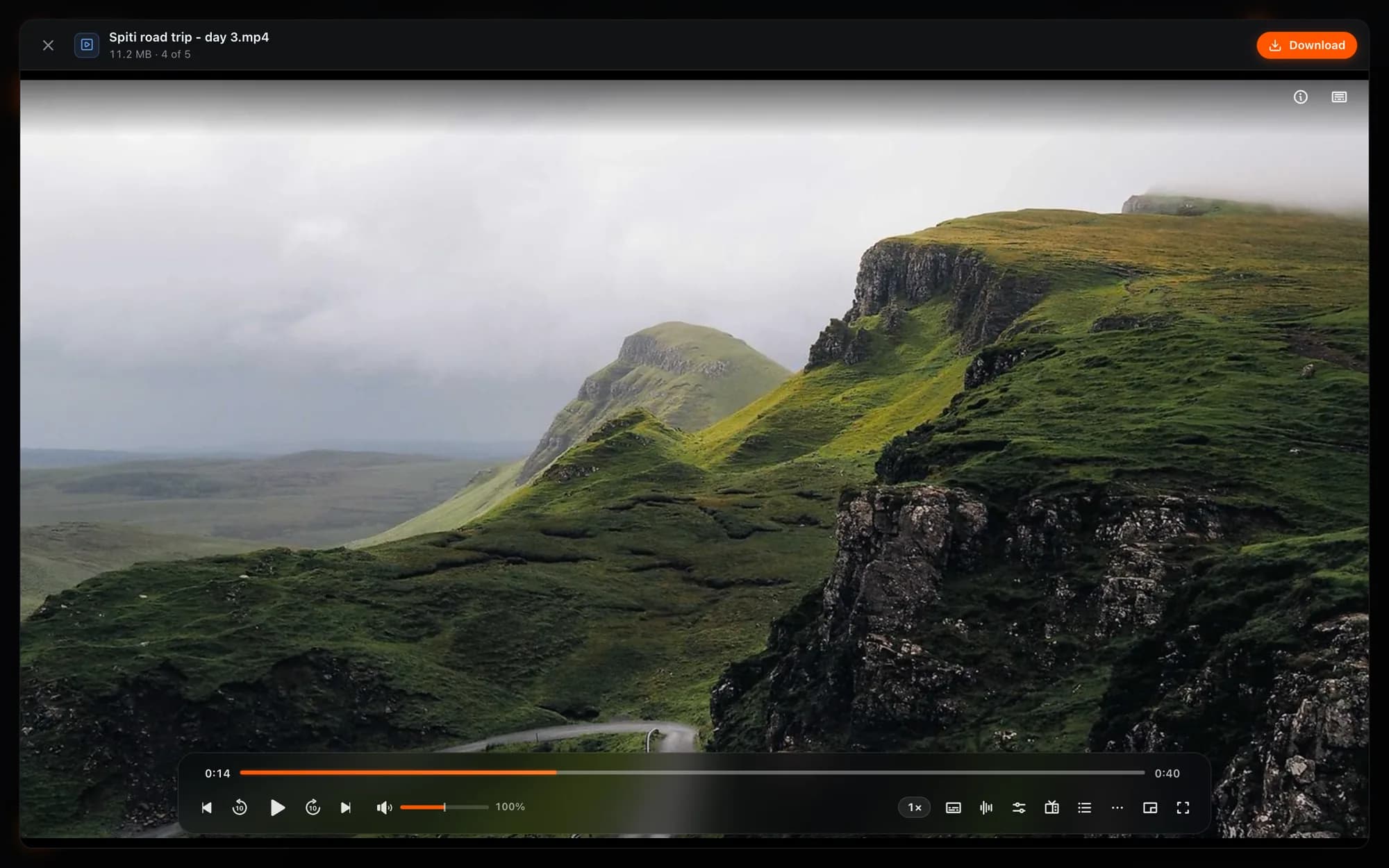
Videos stream straight from your drive, with subtitles, playback speed and picture-in-picture. Photos, music, PDFs and text files open the same way.
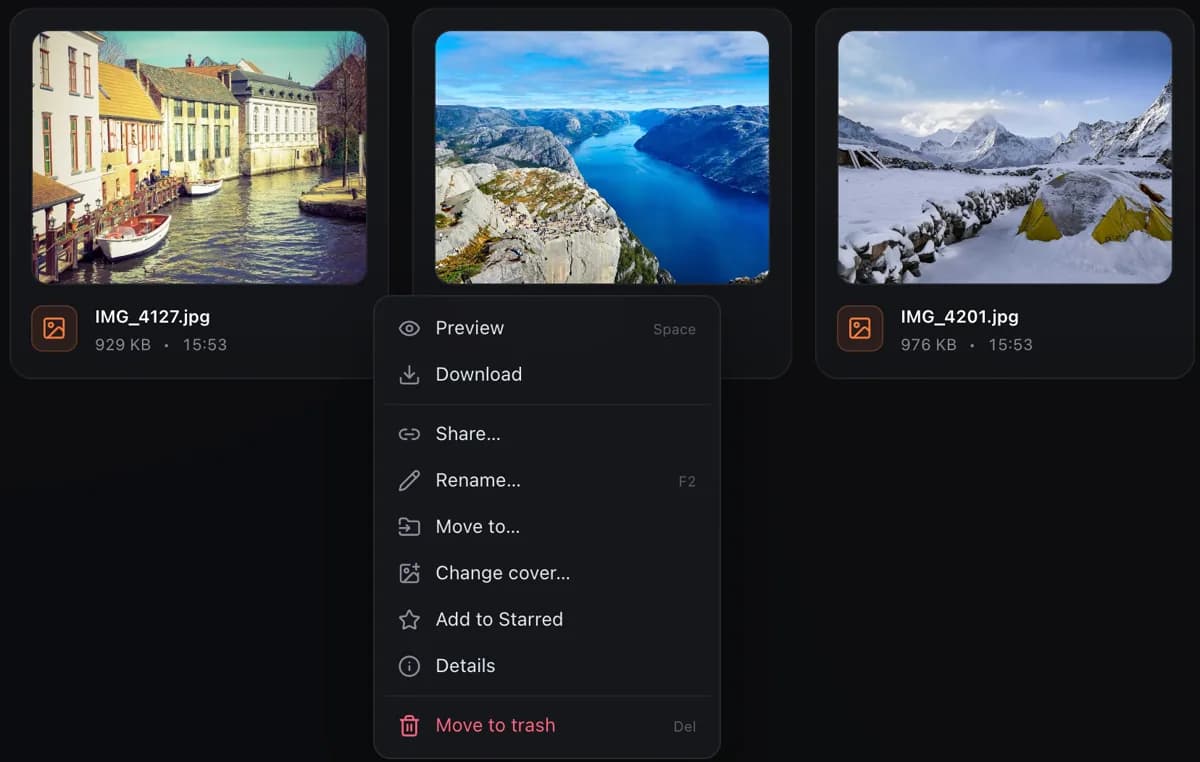
Select files to move, star or trash them together, or download the lot as one ZIP.
Rename, move, share or pick a new cover without leaving the page. Deleted files wait in Trash until you empty it.
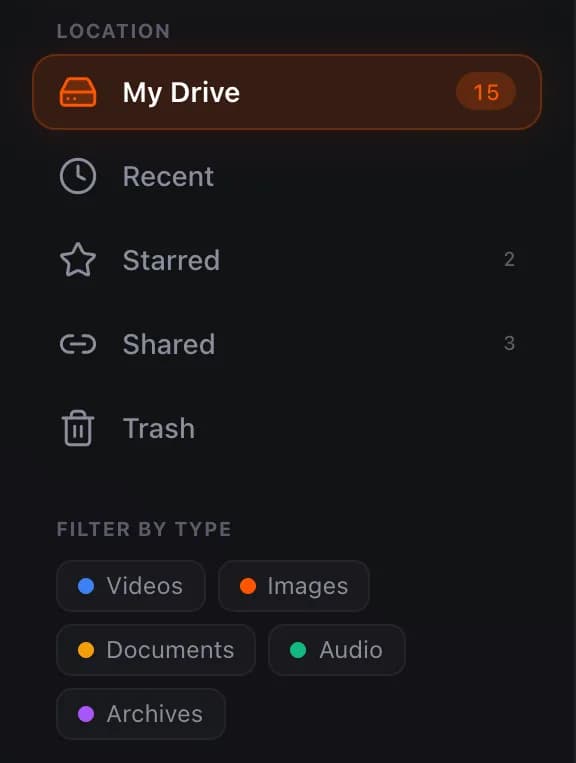
Recent, Starred and Shared are one click away. Filters narrow your drive to videos, photos, documents, audio or archives.
You decide what is public, for how long, and who can open it. How we handle security.
The FileNext bot on Telegram saves your videos and replies with a share link and a ready-made card. Your first message creates the account, so there is nothing to sign up for.
Sign in from any phone, tablet or computer and your files are there. The Mac and Android apps are out now, and apps for iPhone, iPad and Windows are on the way.
Every feature comes with the free plan. Premium adds space and more control over your links.
Get it in the FileNext app — on Android through Google Play, or on Mac (iPhone and iPad coming).
More answers in the help center.
Nothing to start. Every account gets 1 TB free with every feature. Premium is $1.99 a month or $19.99 a year for 5 TB and more control over share links, and you buy it in the FileNext app.
No. A file only has to fit in your storage. If your connection drops during an upload, it continues from where it stopped.
Anyone with the link can open it. The file plays in the free FileNext app, which asks for a quick sign-in the first time. You can turn the link off at any time.
Only you, until you share something. Turning a link off stops it working for everyone who has it.
It goes to Trash. You can undo straight away or restore it later. Emptying Trash deletes it for good.
No. Your first message to the FileNext bot creates an account on its own. Send it a video and it replies with a share link. You can connect that account to the web drive later and everything moves across.
FileNext works in any modern browser. The Mac and Android apps are available now, and apps for iPhone, iPad and Windows are coming.
All it takes is an email address and a password. Upgrade to 5 TB later if you need it.