FileNext for Mac.
Your whole drive in a native app, with a player for almost any video format, a viewer for most other files, and folder sync when you want it.
Install it in a minute.
- Open the Mac App StoreThe button opens FileNext: Cloud Drive & Player in the App Store app.
- Click GetIt installs into Applications like any other app. Had the version that downloaded from this site? Move it to the Trash first.
- Sign inUse your FileNext account, or create one in the app. Your drive is there straight away.
System requirements
- macOS
- 15 or later
- Processor
- Apple silicon (M1 or newer)
- Where
- Mac App Store
- Price
- Free, with your FileNext account
Updates come from the App Store.
New versions arrive through the Mac App Store like any other app, so you don't have to come back here.
Your whole drive, native.
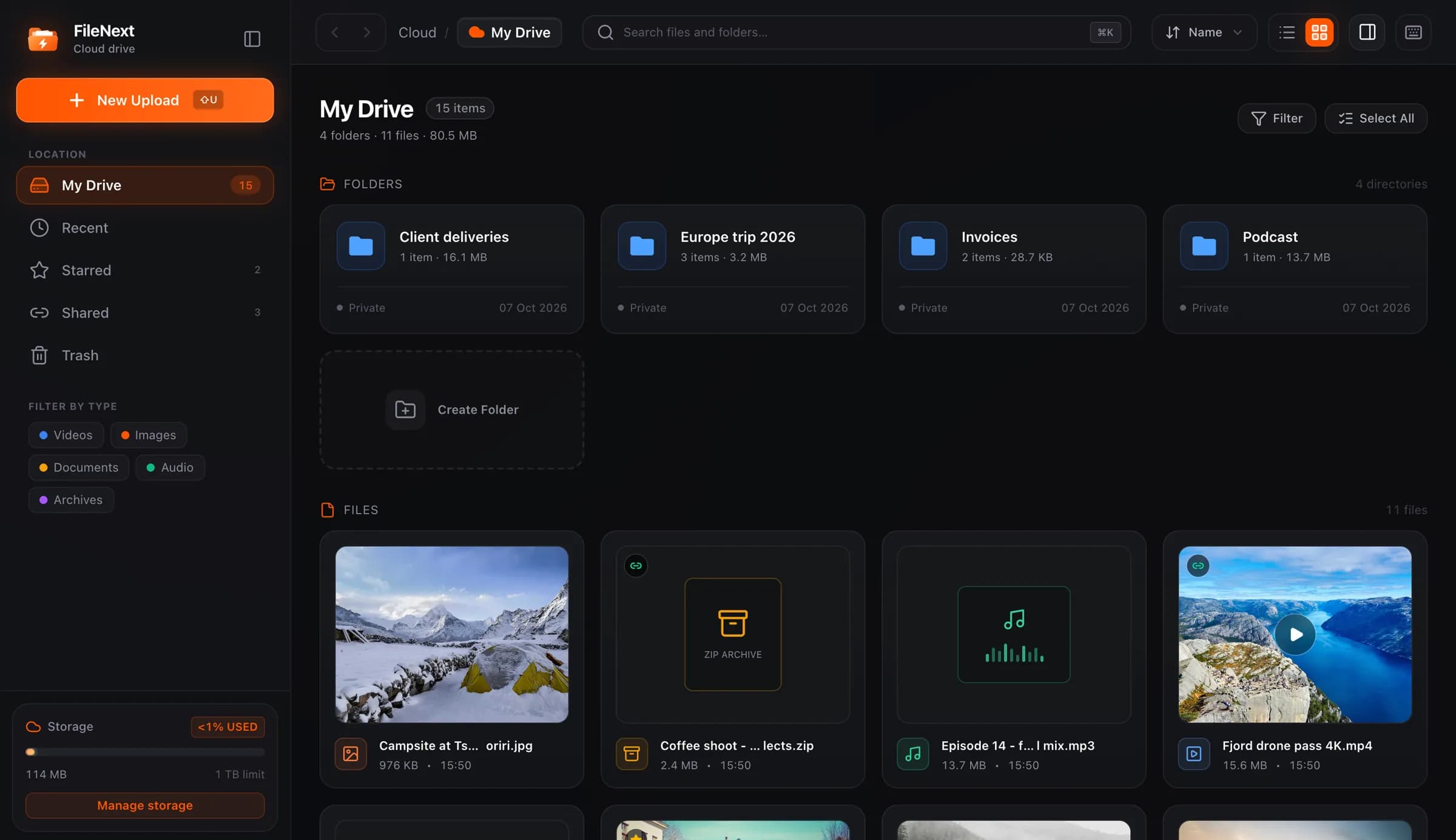
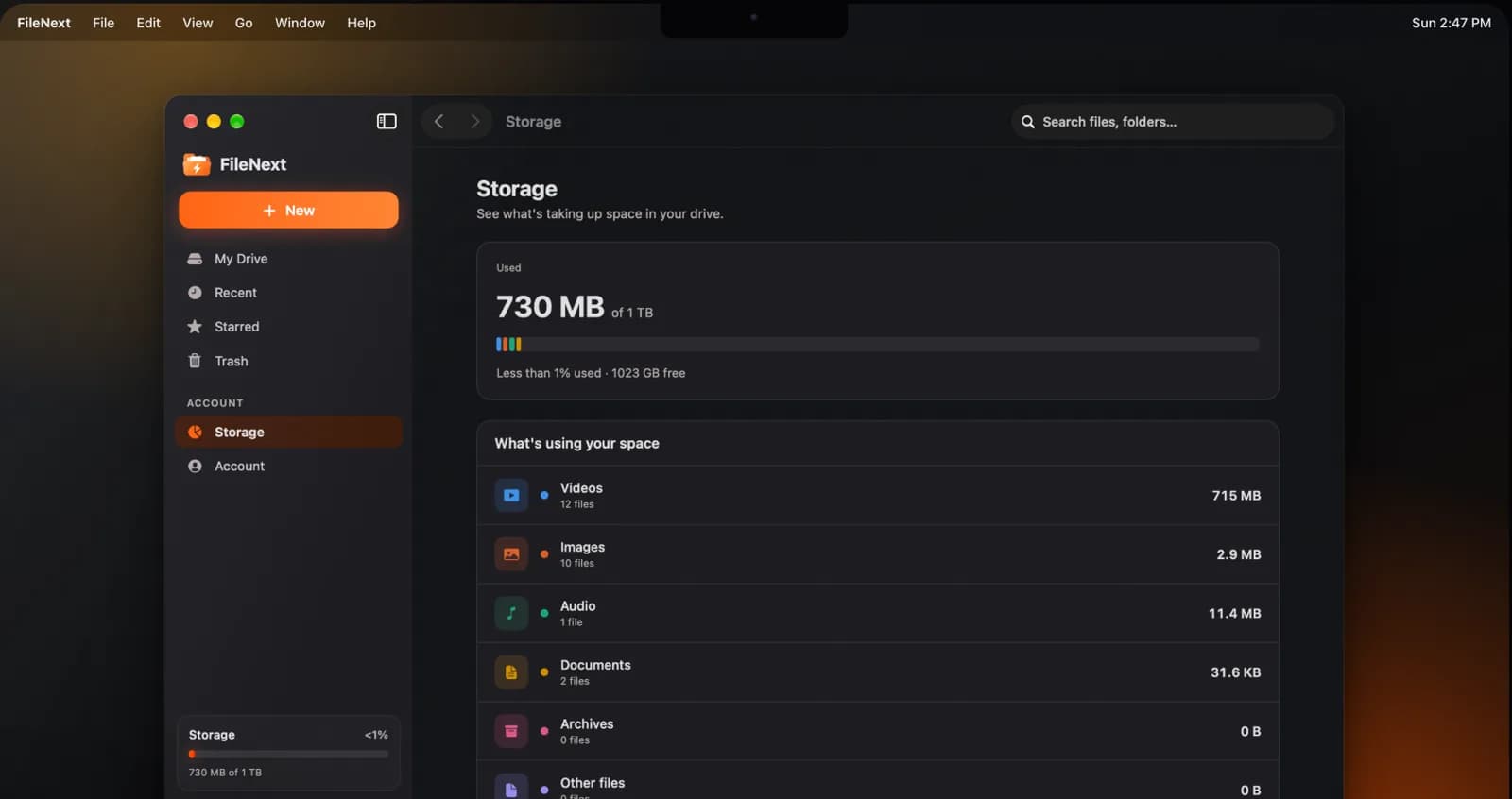
Folders, search, stars, Trash, covers and share links, in a Mac window with the menus and shortcuts you expect. The Storage view shows what is using your space.
A player for almost any format
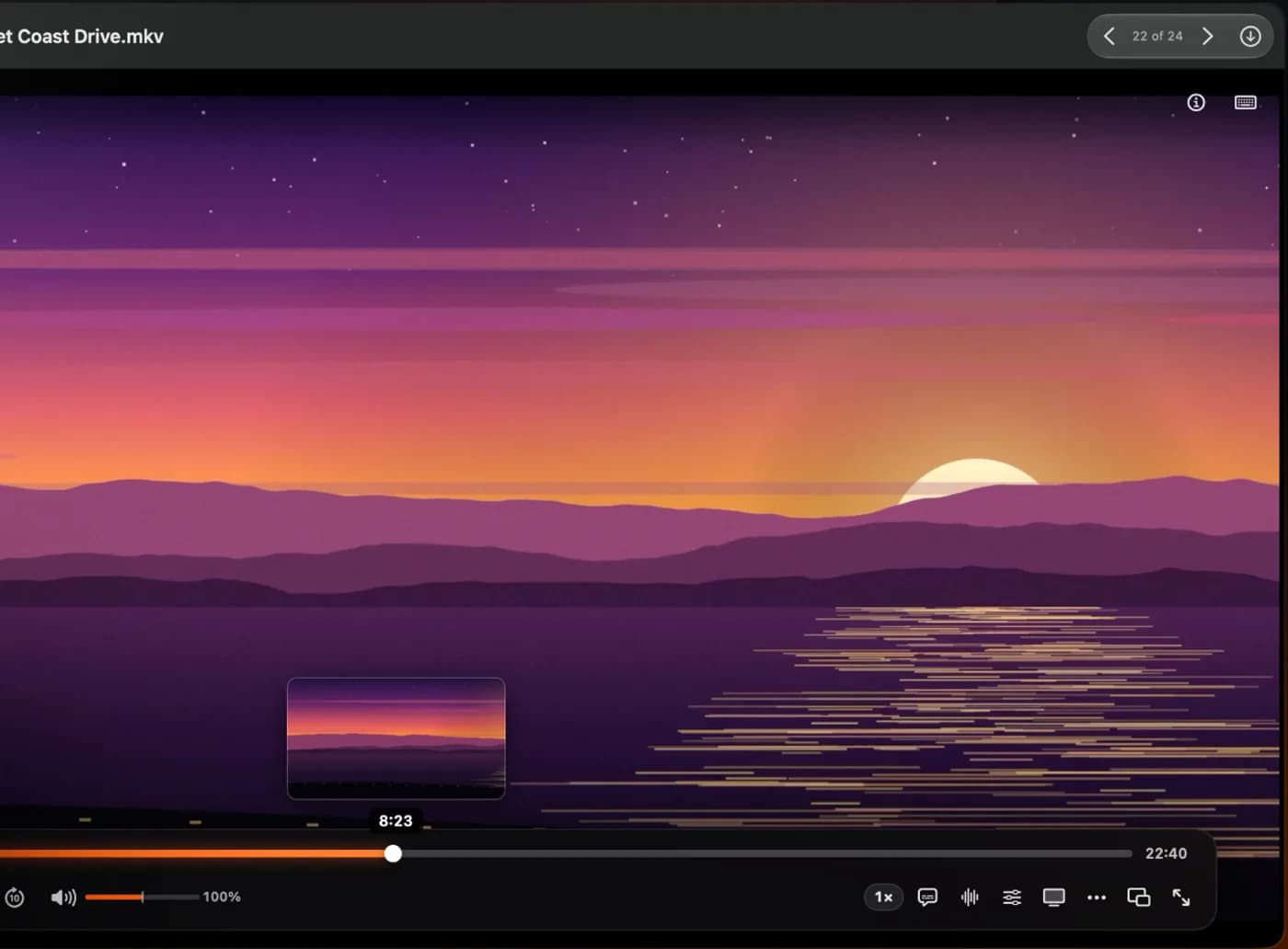
Built on VLC: MKV, AVI, HEVC, AV1 and more play without converting, with subtitles, speed control and casting to a Chromecast.
A viewer for most files
PDFs, Office and iWork documents, spreadsheets, e-books, code, fonts, 3D models and archives open in the app.
Folder sync, if you want it
Keep one folder on your Mac in step with one in FileNext. Off until you turn it on.
Other devices.
One FileNext account works on all of them. The web app runs in any modern browser today, and each store button switches on the day that app is live.
- MacmacOS 15 or later, Apple siliconDownload on theMac App Store
- WebAny modern browser, on a computer, tablet or phoneOpen
- iPhone and iPadiOS and iPadOS appComing soon
- AndroidPhones and tabletsGet it onGoogle Play
- WindowsWindows 10 and 11Download
On a computer? Scan this with your phone's camera to open this page there and get the app for your phone.
Get it onGoogle PlayQuestions about the Mac app.
Is the Mac app free?
Yes. It uses your normal FileNext account, with 1 TB of free storage.
Which Macs does it run on?
Macs with Apple silicon (M1 or newer) running macOS 15 Sequoia or later. There is no build for Intel Macs yet.
I have the version that downloaded from this site. What now?
That build has retired and only points to the Mac App Store. Move it to the Trash, get FileNext from the Mac App Store and sign in with the same account. Your files are all in your drive. If you used folder sync, turn it on again in Settings.
Can I open files that are already on my Mac?
Yes. Choose FileNext under Open With, or drag a file onto its Dock icon. That includes files kept online-only in iCloud Drive, OneDrive or Dropbox.
When are the iPhone and Windows apps coming?
The store buttons on this page link to every app that's live. The rest are coming soon, and their buttons switch on the day they're out.
Get FileNext for Mac.
Free to download. Sign in with your account, or create one with 1 TB of free storage.