
Private until you share it. Off when you say so.
Your files are visible only to you until you make a link. Here is what you control, how reports are handled, and what we don't offer yet.
can see a new upload, until you make a link for it.
you can turn a link off, and it stops working for everyone.
gets a ticket number and a decision from a moderator.
is needed to report a file you think breaks the rules.
You can always see what is shared.
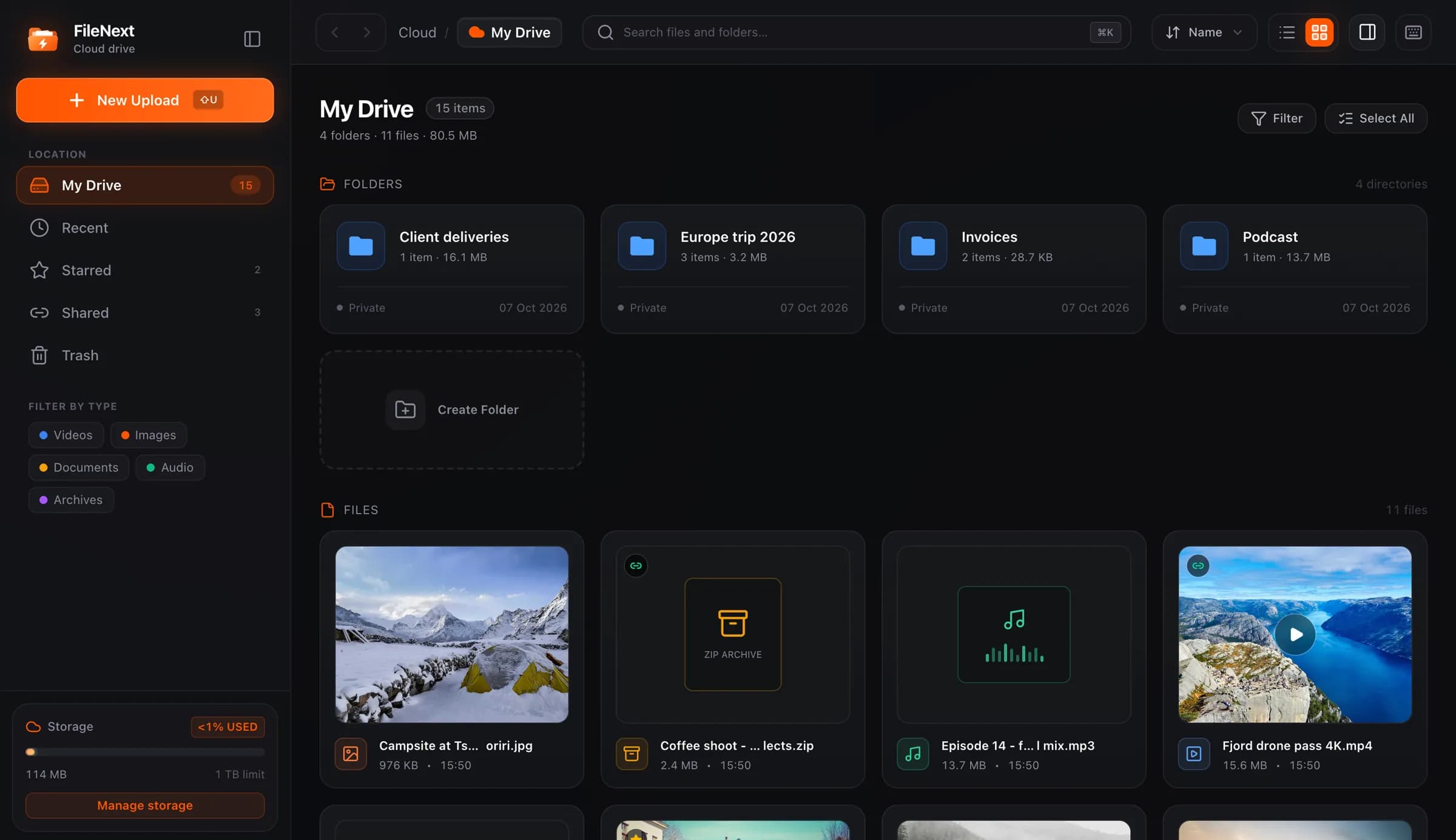
New uploads are private. A file or folder becomes viewable by others only when you create a share link for it, and then only by people who have that link.
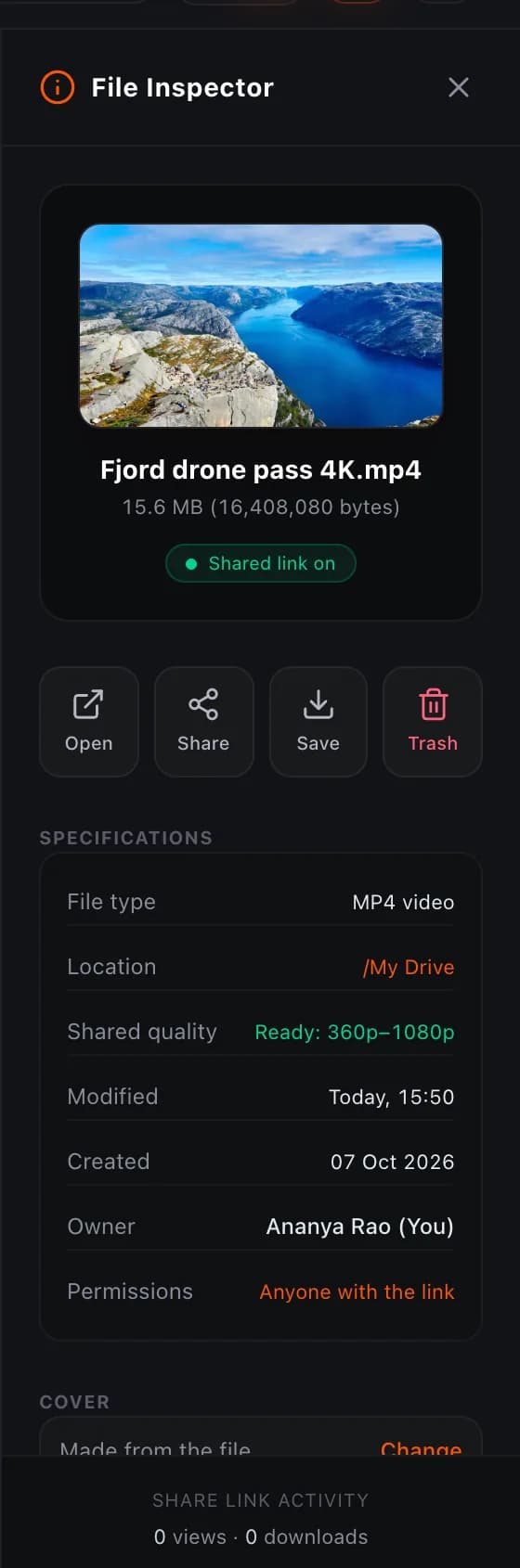
Open a file's details and you see at a glance whether its link is on and who can open it.
- Private by default, with nothing to switch on
- A link shows only the file or folder you shared
- Turning a link off takes effect for everyone at once
Control over each link.
Every plan can turn a link off. Premium adds three more settings in the Share dialog. See Premium
Turn a link off
Password
Expiry date
Download limit
What happens when someone reports a file.
Every share page has a Report button. Every report becomes a ticket, and a moderator decides on it.
- Someone presses ReportThey pick a reason and can add details and an email. No account needed.
- A ticket numberIt shows on screen as soon as the report is sent.
- A moderator decidesCopyright claims can also be filed in full through the takedown bot.
- The link goes offThe file is removed, and the uploader is told why.
- Check the ticketSend the ticket number to the takedown bot to see where it stands.
Reasons you can pick
- Copyright
- Child safety
- Sexual content shared without consent
- Private information
- Violence
- Spam or scams
- Something else
Your account.
Password reset by email
Connecting Telegram
Where you can use it
Deleting your account
What we don't offer.
Security pages tend to promise a lot. Here is where FileNext stands today.
End-to-end encryption
Third-party certifications
Two-step sign-in
Found a security problem?
Tell us through the contact page before you tell anyone else. Give us reasonable time to fix it, and don't access or change other people's data while you look.
Store it privately. Share it on purpose.
1 TB free. Nothing is public until you make a link.