
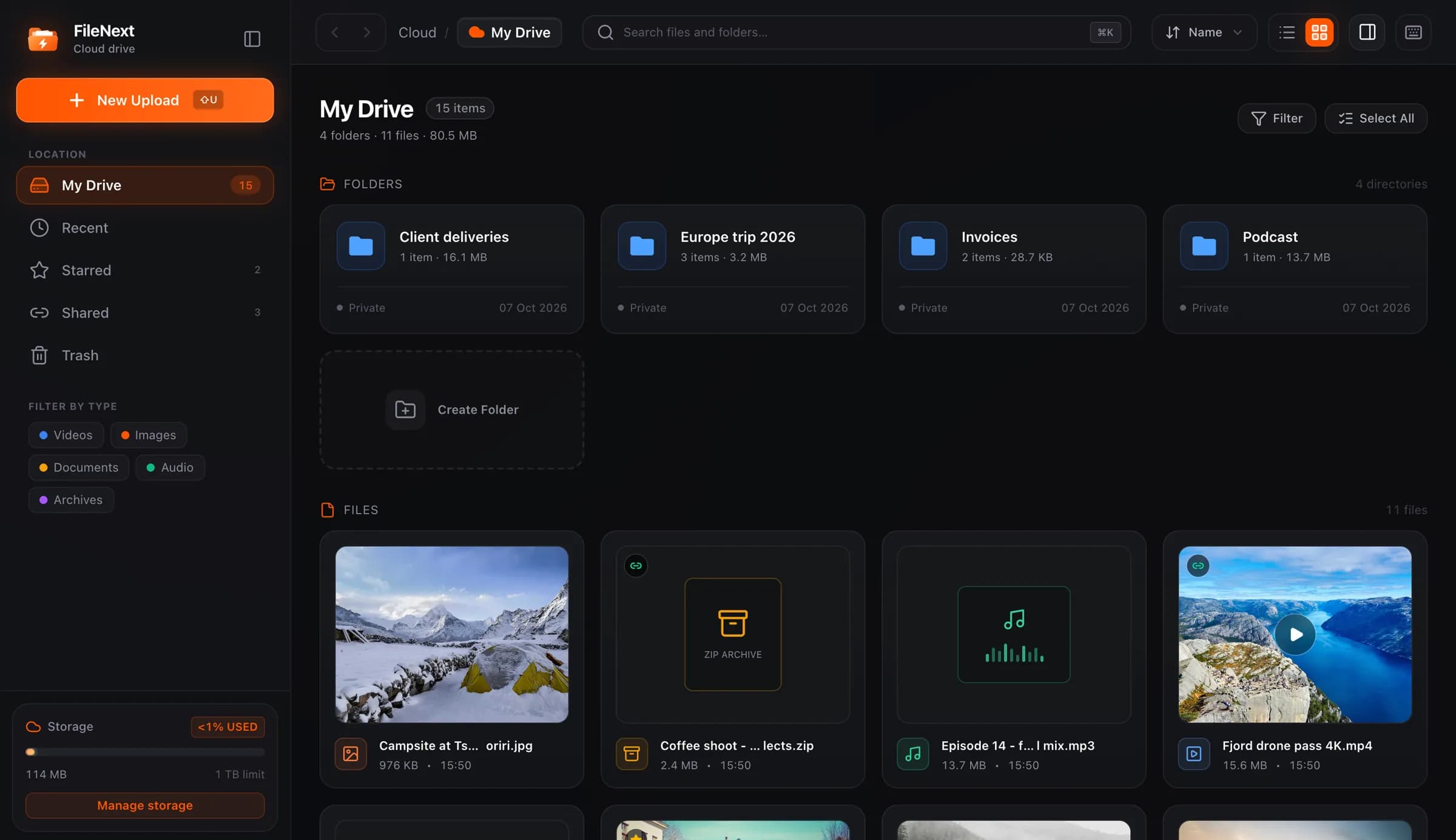

Send the bot a video. Get a link you can post.
The FileNext bot saves your videos, gives each one a share link and sends back a card you can post. Your first message creates the account.
From video to posted link.
Everything happens in one chat. Most videos take about a minute.
- Open the botThat chat is your FileNext account. No email or password.
- Send a videoRecord one, forward one, or send it as a file to skip Telegram's compression.
- It's savedThe video lands in a Telegram uploads folder in your drive.
- You get a linkThe bot replies with the share link, then a card with the cover and a Watch on FileNext button.
- Post itAnyone can open the link. The video plays in the FileNext app.
It understands more than videos.
Forward a post with FileNext links
Each linked file is saved to your drive as your own copy, with your own link. The bot sends the post back with your links in place of the originals.
Send a direct file link
Paste a direct download link and the bot uploads that file to your drive. Files added from links are reviewed by a moderator.
Photos become covers
The bot only uploads videos. A photo you send after picking a video in Covers becomes that video's cover.
Add the web drive whenever you want it.
A Telegram-only account works on its own. Connect it to a web account for folders, previews, every file type and the apps. Connect from either side.
Starting in the bot
Tap FileNext account. You get a one-time link that works for 15 minutes. Open it, sign in or create an account, and your videos and covers move over.
Starting on the web
Open the Account page in the drive and press Connect Telegram. Then open the bot from there, or send it the /start code shown on the page.
Questions about the bot.
Do I need to sign up?
No. Your first message to the bot creates a FileNext account tied to your Telegram account.
Can I send PDFs or ZIP files?
Not to the bot. It takes videos: regular videos, round video notes, and videos sent as files. Everything else goes in the web drive, which takes any file type.
Is there a size limit?
The bot has a limit on how big a video it can take, and it tells you when one is too large. The web drive has no file size limit.
How do I disconnect Telegram?
Once the chat is connected to a web account, send /unlink in the bot or press Disconnect on the Account page. Your files stay put.
Where do I get help?
Tap Help in the bot, or email support@filenext.in.
Send your first video now.
Open the bot, send a video, and post the link it gives you.