
Skip to content

1 TB free. 5 TB for $1.99 a month.

Every account gets the whole drive at no cost. FileNext Premium adds more space and more control over your share links.

Free

$0no end date, no card

The full drive, for storing, previewing and sharing your files.

  • 1 TB of storage
  • Files of any size
  • Folders, previews and ZIP downloads
  • Share links for files and folders
  • Trash with undo and restore
  • The Telegram bot

Premium

$1.99a month, or $19.99 a year

Everything in Free, plus:

  • 5 TB of storage
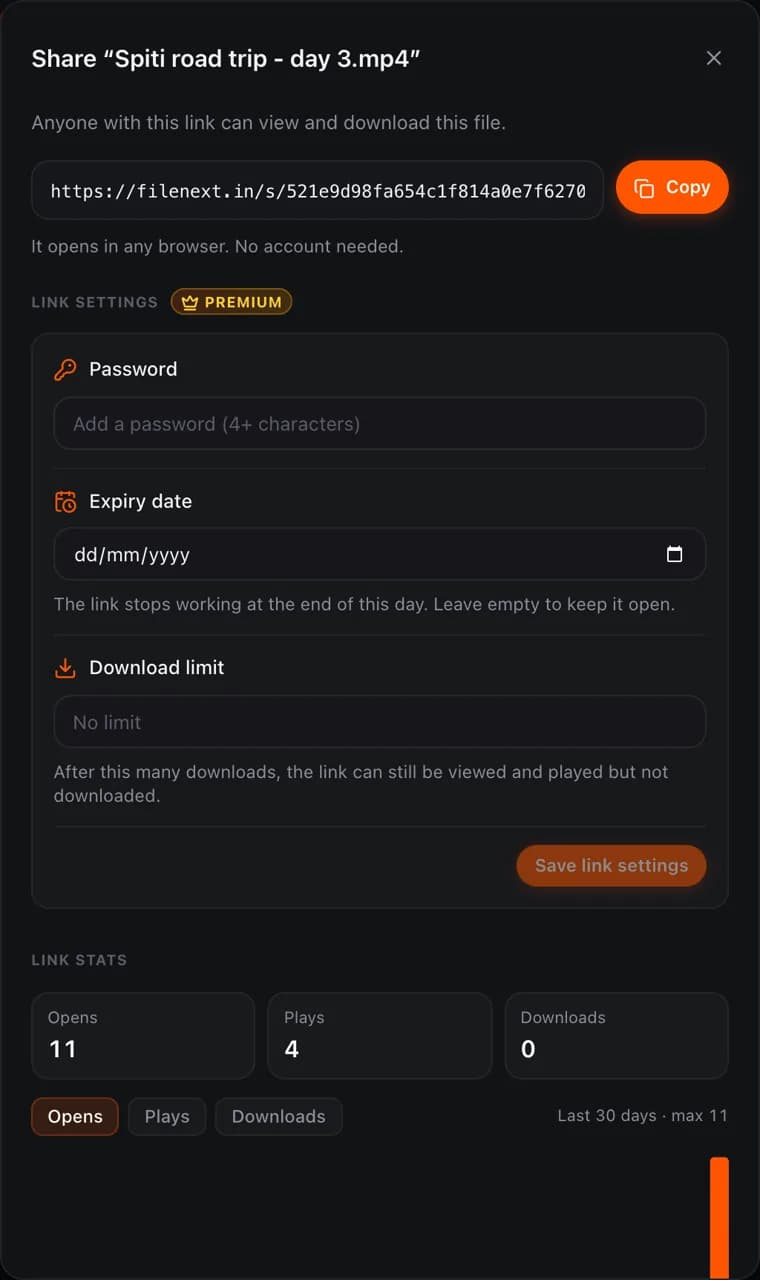
  • Password-protected share links
  • Expiry dates on share links
  • Download limits on share links
  • Stats for every link: opens, plays and downloads
  • HD streaming (720p and up) and original-quality downloads on shared videos
  • Priority support
How to get Premium

Bought in the FileNext app, not on the web.

What each plan includes.

The same drive on both plans. Premium adds space, link controls and better quality on videos people share with you.

Free and Premium compared
FeatureFreePremium
Storage1 TB5 TB
Size of a single fileNo limitNo limit
Folders, previews, covers and ZIP downloadsIncludedIncluded
Share links for files and foldersIncludedIncluded
Turn a link off at any timeIncludedIncluded
Password on a share linkNot includedIncluded
Expiry date on a share linkIncludedIncluded
Custom link name (filenext.in/s/your-name)Not includedIncluded
Download limit on a share linkNot includedIncluded
Stats for each link (opens, plays, downloads)Not includedIncluded
Videos other people share with youSD (below 720p)HD (720p and up) and original-quality downloads
Your own filesOriginal qualityOriginal quality
Telegram botIncludedIncluded
Priority supportNot includedIncluded

Video quality on a shared link depends on the plan of the person watching, not the person who shared it.

How far 1 TB goes.

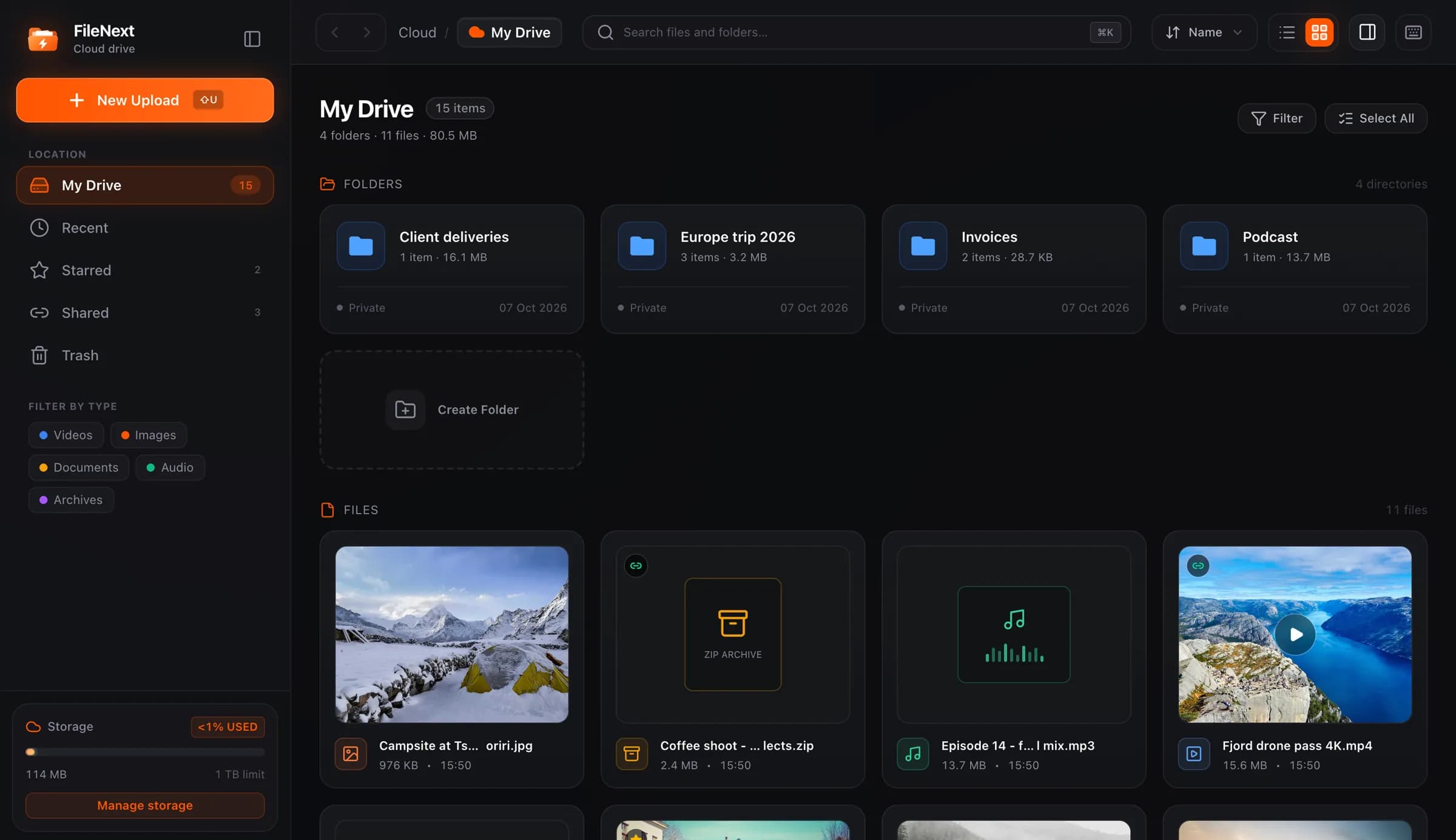
1 TB holds hundreds of hours of video and hundreds of thousands of photos. The Storage page shows what is using your space, by type, so you know what to clear first.

  • Files in Trash count until you empty it
  • An upload that would go over your storage waits until you make room
  • Premium raises the limit to 5 TB

Shown here in the iPhone app, which is coming soon. The web drive has the same Storage page today.
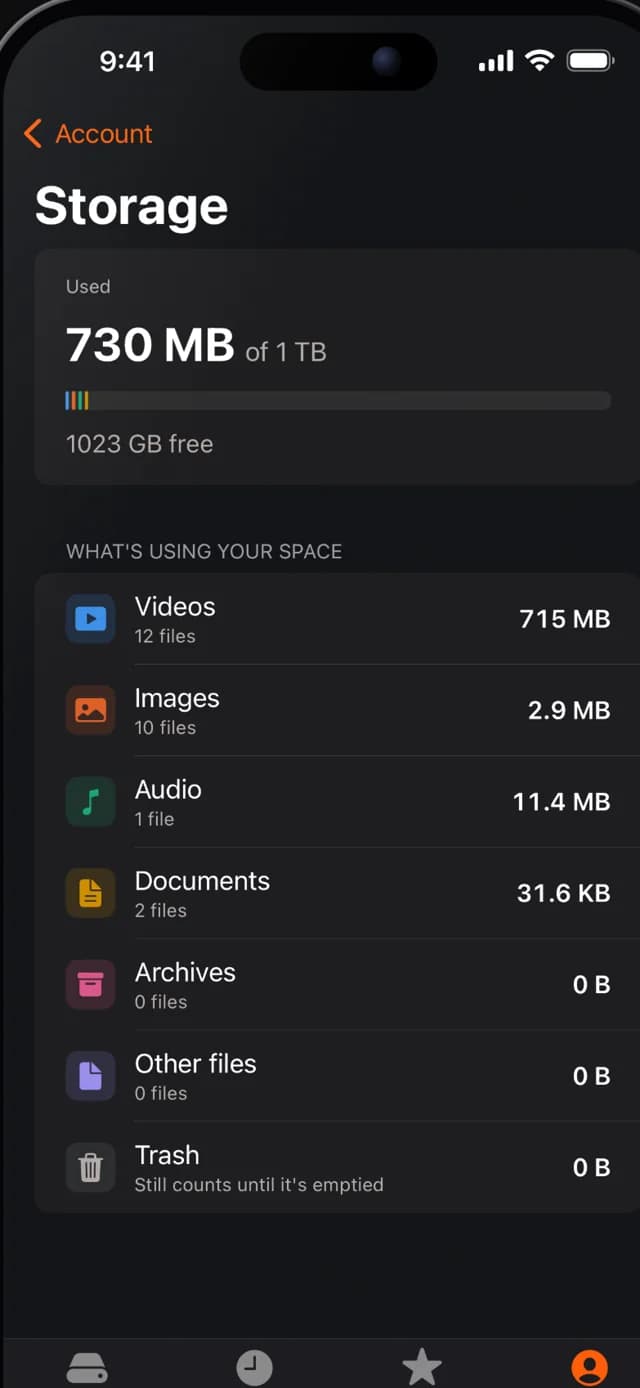
The Storage screen in the FileNext iPhone app: 730 MB used of 1 TB, broken down into videos, images, audio, documents, archives, other files and Trash.

Buying, canceling, and what happens after.

Premium is a normal store subscription. You manage it where you bought it.

  1. In the appGet the appPremium is sold inside the FileNext app from the App Store. Google Play comes with the Android app.
  2. Monthly or yearlySubscribe$1.99 a month or $19.99 a year. The store may show your local currency.
  3. On every deviceUse it everywherePremium belongs to your account, so it works on the web and every device you sign in on.
  4. Any timeCancel in the storeOn iPhone or iPad: Settings, your name, Subscriptions. On a Mac: the App Store, your account. Manage subscriptions
  5. At the end of the periodIt ends with the periodYour files stay. Storage goes back to 1 TB, and settings already on your links keep working.

Where to get the app

The App Store version of FileNext isn't listed yet. We will link it here and on the download page as soon as it is. On a Mac, get FileNext from the Mac App Store and subscribe from the app.

Pricing questions.

Do I need a card to sign up?

No. Create an account with your email and you get the full free plan right away. There is nothing to cancel.

Is the free plan a trial?

No. 1 TB of storage, files of any size, folders, previews, ZIP downloads, share links, covers, Trash and keyboard shortcuts are all free, with no end date.

Why does a shared video play in SD?

Shared videos are prepared in several qualities. Viewers on the free plan stream and download them in SD (below 720p). Viewers signed in with Premium get 720p, 1080p and the original file. It depends on the viewer's plan, not the owner's, and owners always get their own files in original quality.

Does Premium work on the web and my other devices?

Yes. Premium belongs to your FileNext account, not to a device. Buy it once in the app and it is active wherever you sign in, including the web drive.

Can I buy Premium in the Mac app from your website?

No. The Mac app you download from our site can't take App Store payments. Premium is bought in the App Store version of the app.

Is the Telegram bot free too?

Yes. The bot comes with every account at no cost, and it works with the same account once you connect it to the web.

Does deleting my account cancel Premium?

No. The subscription belongs to the store you bought it from, so cancel it there first, then delete your account.

Start with 1 TB. No card needed.

Create an account in your browser and upload files of any size. Upgrade later only if you need more.