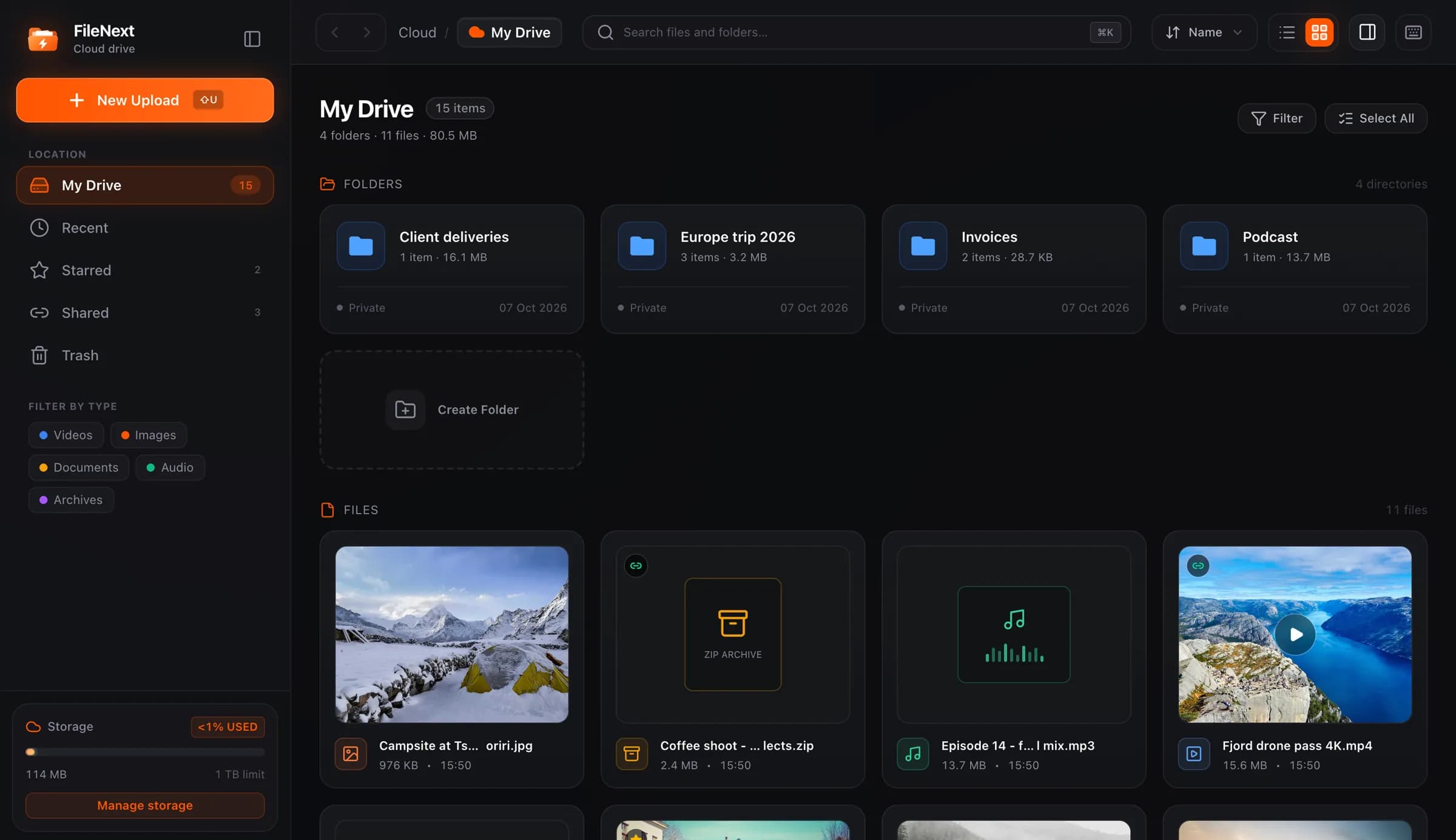
A drive that opens your files, not just stores them.
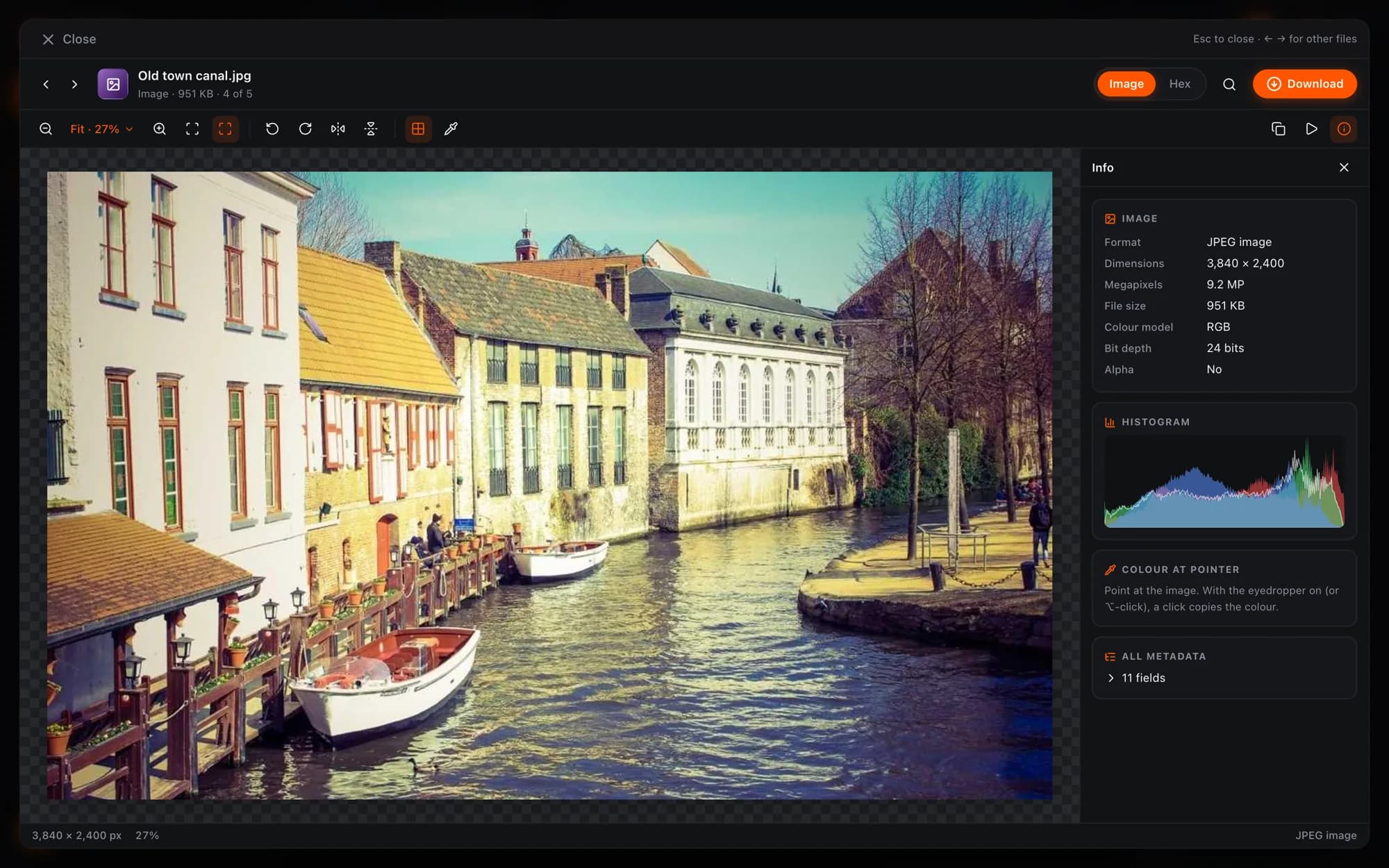
1 TB free and no limit on file size. Photos, videos, music, PDFs and text open right in the browser, with the details you'd expect from a desktop app.
free on every account. 5 TB with Premium.
There is no limit on a single file, only on your total storage.
of files preview in the browser: video, audio, images, PDFs and text.
Everything here works in a modern browser on any computer.
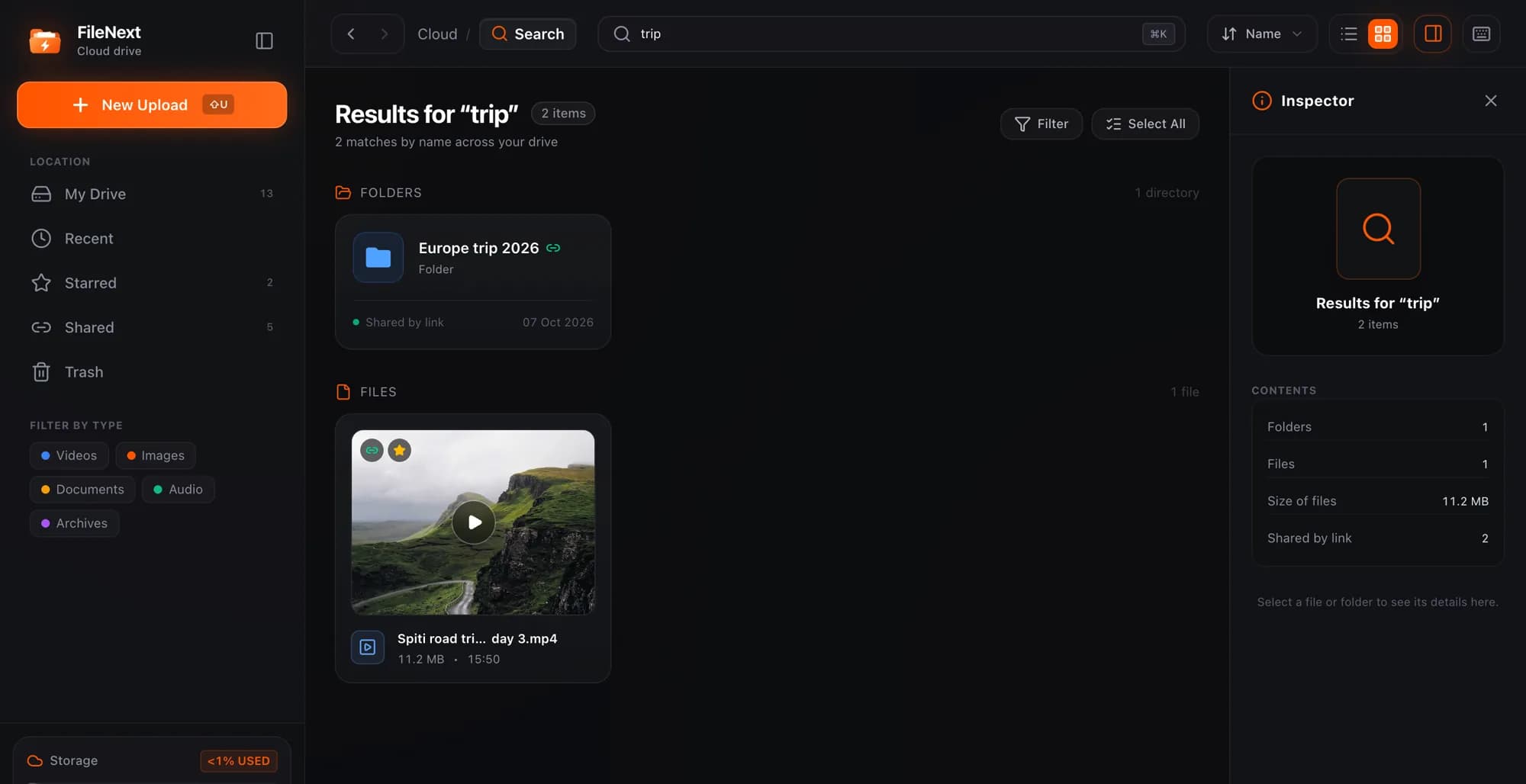
Find it by typing a few letters.
Search looks across your whole drive, folders included, and shows the results in the same grid you already know. Press / from anywhere to start typing.
- Matches files and folders by name
- Filter the results by type
- Open, share or move straight from the results
Organize it like your desktop.
The habits you have from your computer work here too.
Folders, as deep as you like
Select many at once
Folders download as one ZIP
A cover on every file
Recent and Starred
List or grid
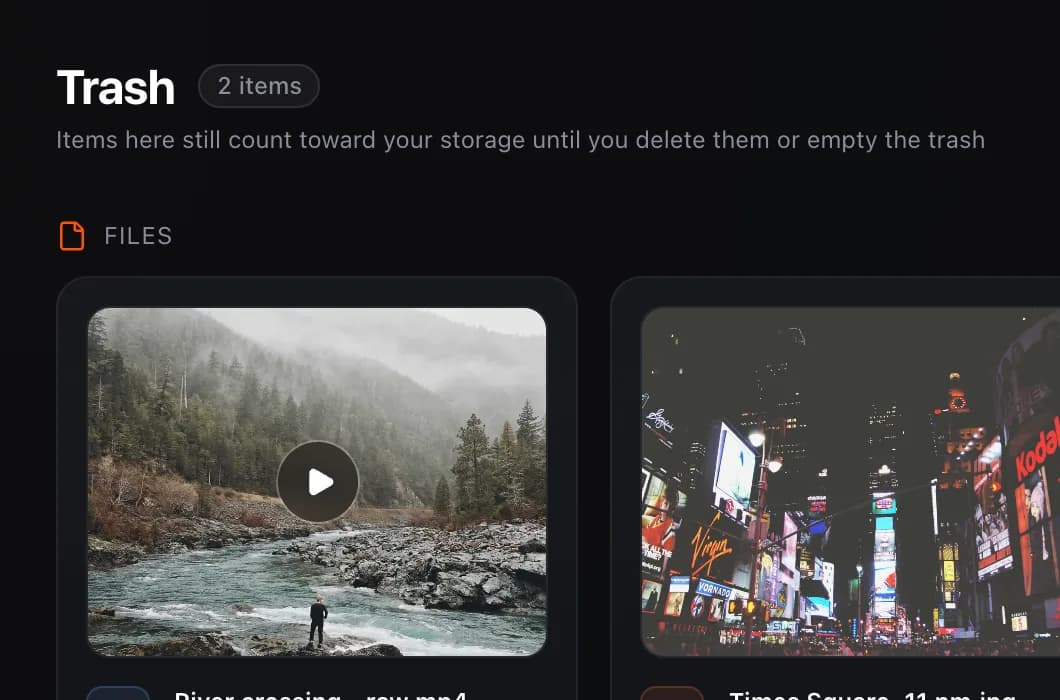
Deleted by mistake? Undo it.
Everything you delete goes to Trash first. Undo from the notice that appears right away, or restore it from Trash later. Files only go for good when you empty Trash.
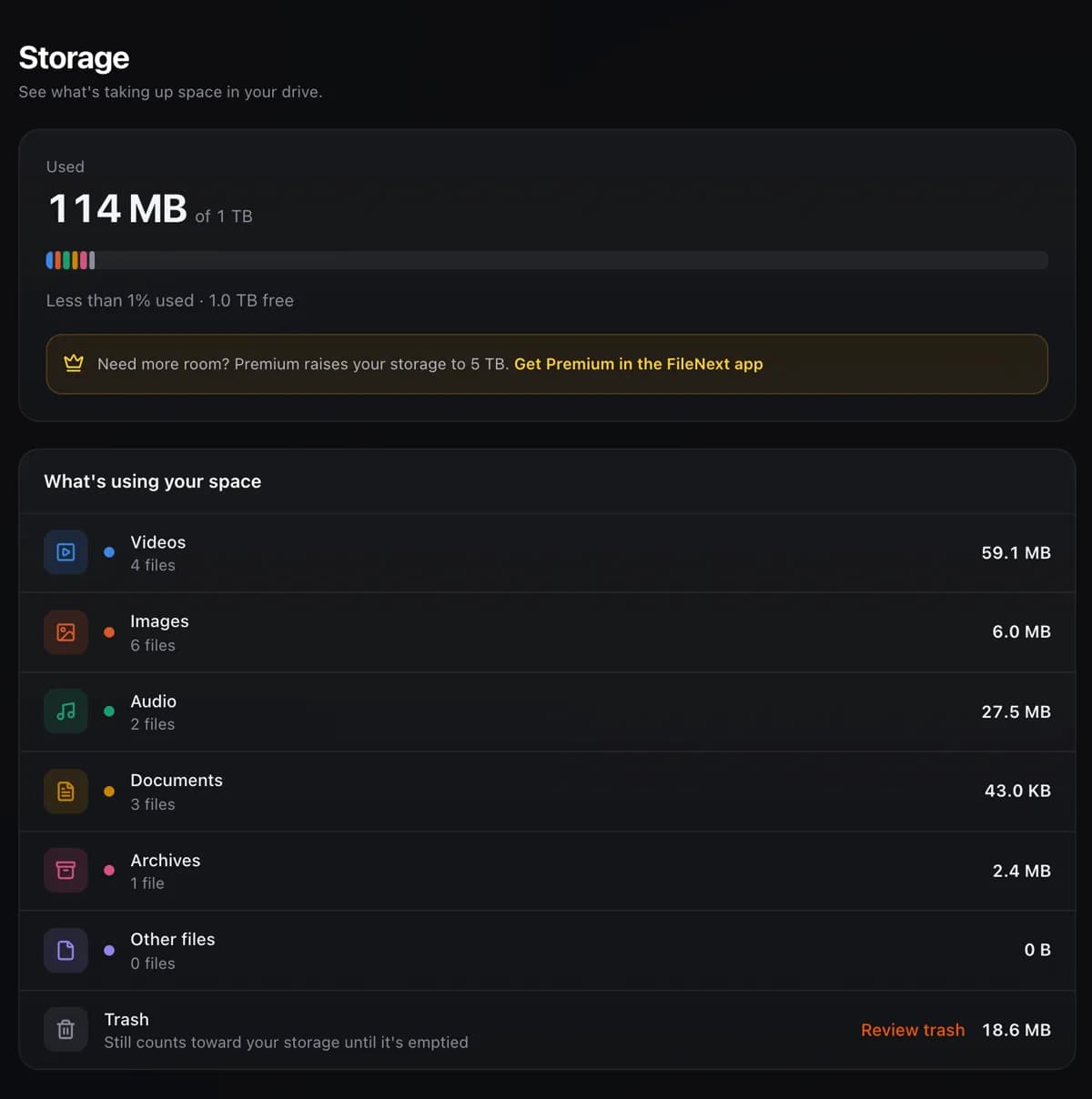
See where your space goes.
The Storage page breaks your drive down by videos, images, audio, documents and archives, and shows what is still sitting in Trash, so you know what to clear first.
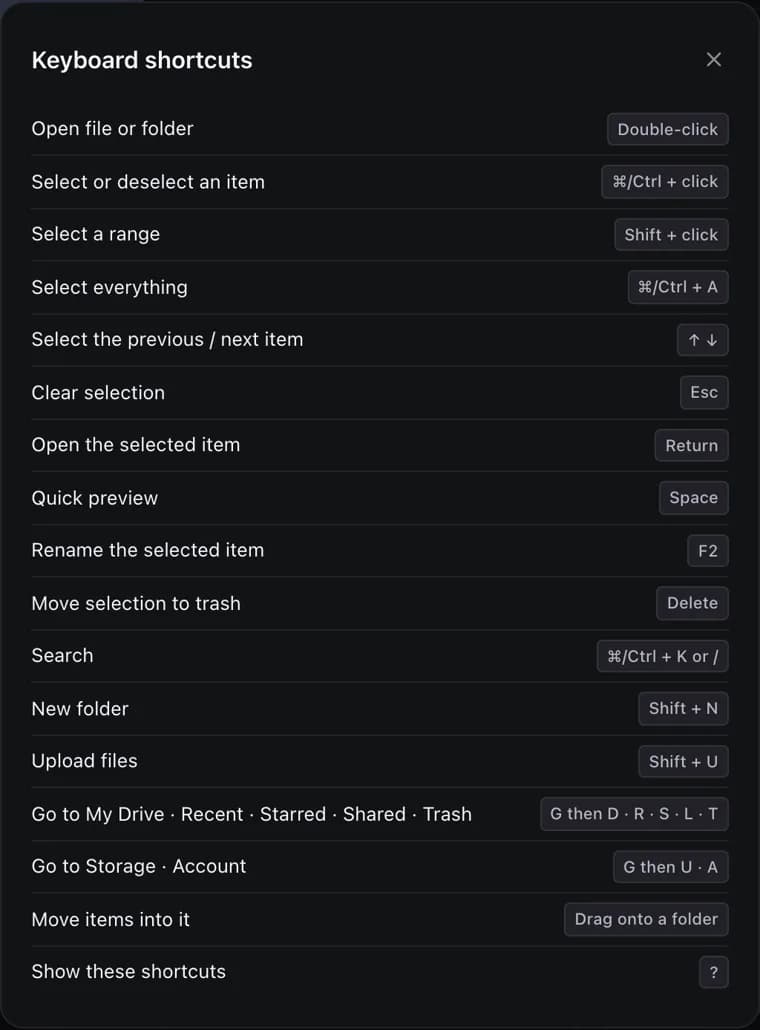
Faster with the keyboard.
Press ? anywhere in the drive to see every shortcut. On a Mac, use Cmd wherever you see Ctrl.
- Open the selected item
- Enter
- Quick preview
- Space
- Rename
- F2
- Move to Trash
- Delete
- Select everything
- Ctrl + A
- Search
- /
- Upload files
- Shift + U
- Show every shortcut
- ?
Questions about the drive.
What file types can I upload?
Which files preview in the browser?
Can I upload a whole folder?
Can I set my own cover?
Does Trash count toward my storage?
Where do I see every shortcut?
Try it with your own files.
1 TB free. All it takes is an email address and a password.