
Delete your account.
You can delete your FileNext account and everything in it at any time, on the web, in the apps, or by asking us.
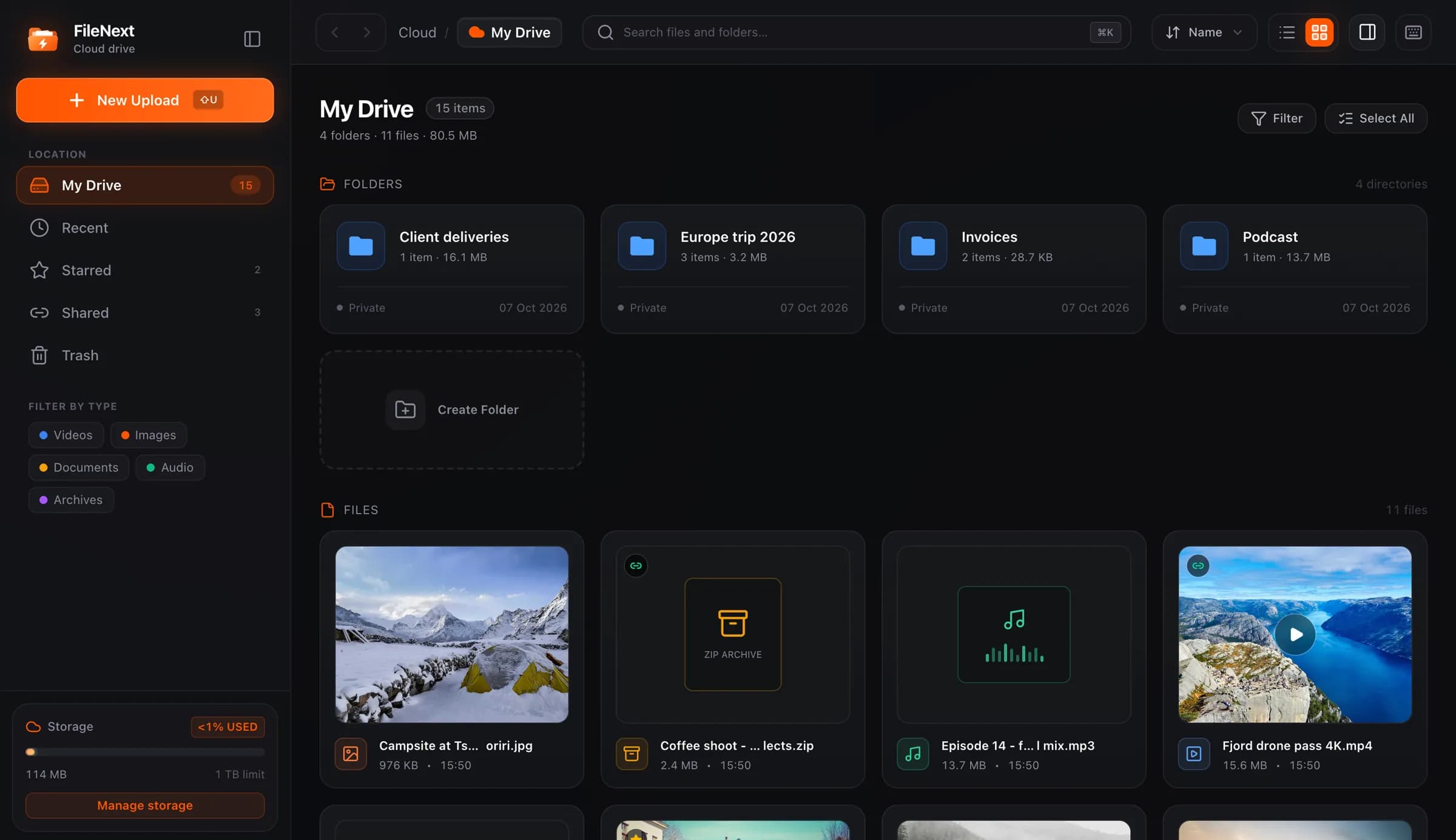
On the web, in five steps.
The same steps work on a phone or a computer. The apps follow the same path from their Account screen.
- Open filenext.inSign in with the account you want to delete.
- Go to AccountOpen the Account page from the drive.
- Choose Delete accountIt is the last card on the page.
- Password or DELETEEnter your password. If you sign in with Google or Telegram and have no password, type DELETE.
- Account deletedYour files and links are gone and you are signed out. If the account has an email address, we confirm there.
Other ways to do it.
In the FileNext apps
Open Account, scroll to the bottom and tap Delete account. Enter your password (accounts that sign in with Google or Telegram type DELETE instead) and confirm.
Without signing in
If you can't sign in, or you only use the Telegram bot, send a privacy request or email support@filenext.in from the address on the account, with the subject “Delete my FileNext account”. Include your Telegram username if you use the bot. We confirm the request comes from the account owner, then delete the account and reply when it's done.
Before you delete
Have Premium? Deleting your account doesn't cancel a subscription with Apple or Google Play. Cancel it first in your Apple Account subscriptions or in Google Play (Payments & subscriptions, then Subscriptions), so you aren't charged again.
Earning in the Telegram bot? Withdraw your available balance first. Deleting an account cancels pending withdrawals.
What is deleted, and what is kept.
Deleted straight away
- Your profile: name, email, password, and sign-in links to Google or Telegram.
- Every file and folder you own, including Trash, their covers and any unfinished uploads.
- Your share links, which stop working for everyone.
Kept, and for how long
- Payment, payout and Premium transaction records, for as long as tax and accounting rules require. Pending payouts are cancelled.
- View records, reports and moderation decisions, as described in the privacy policy.
- Deleted data can remain in backups for a limited period before it is overwritten.