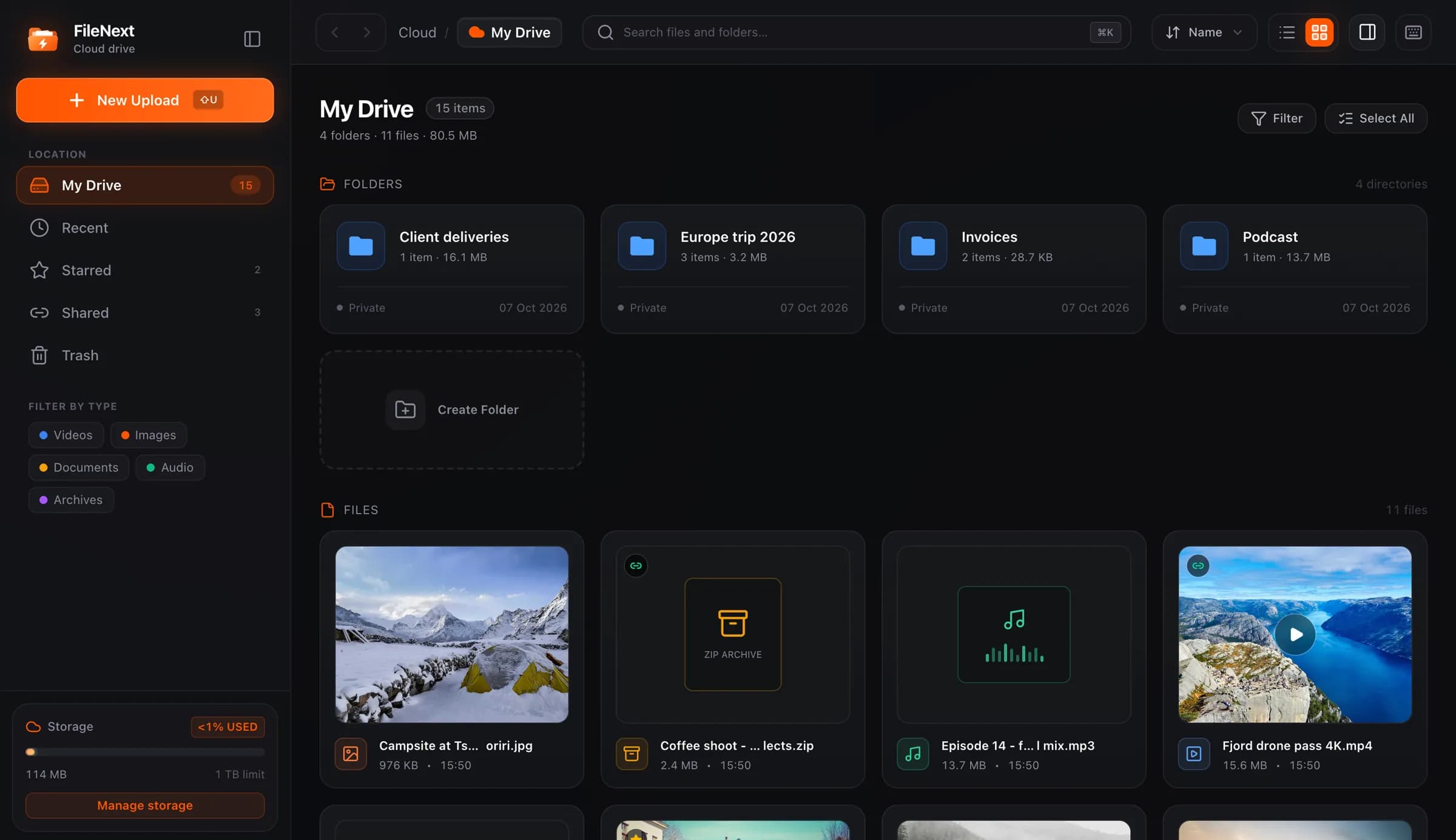
Your drive in the browser, and on your Mac.
The web app works in any modern browser, on a computer or a phone. The Mac app is on the Mac App Store and the Android app on Google Play; iPhone, iPad and Windows are coming soon.
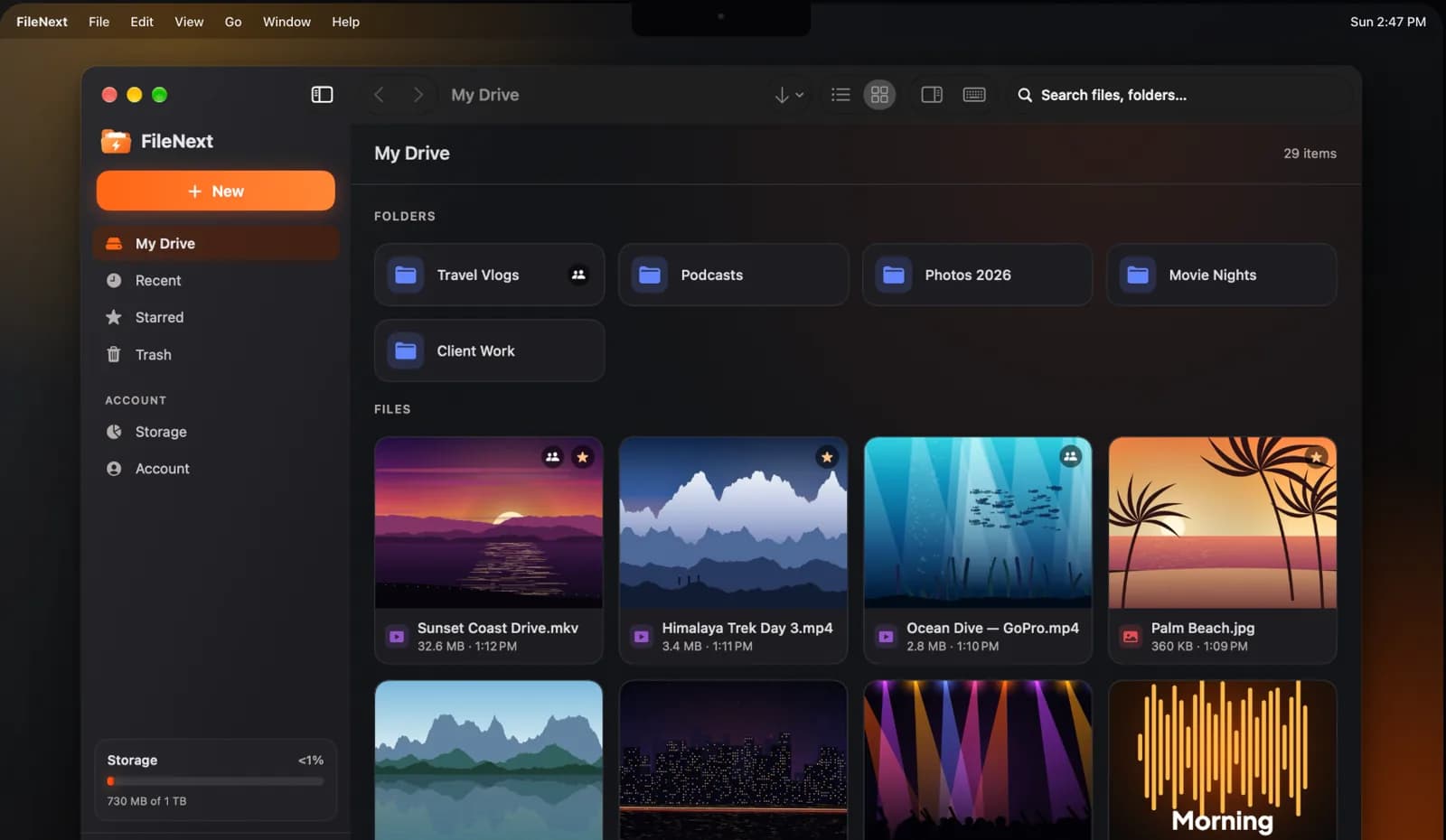
Where you can use it.
One account on every device. A platform shows Coming soon until its app is really out.
- MacmacOS 15 or later, Apple siliconDownload on theMac App Store
- WebAny modern browser, on a computer, tablet or phoneOpen
- iPhone and iPadiOS and iPadOS appComing soon
- AndroidPhones and tabletsGet it onGoogle Play
- WindowsWindows 10 and 11Download
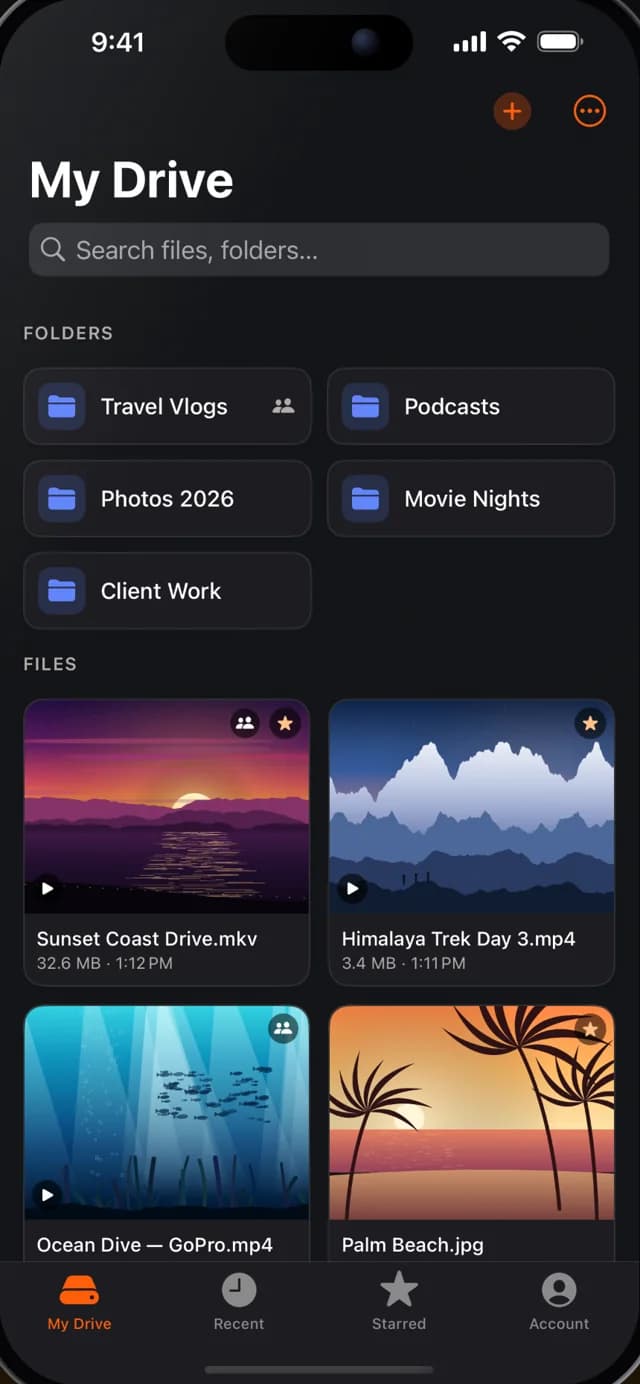
The Mac app does more.
Everything the web app does, plus a viewer for most files, folder sync and a player that handles almost any format.
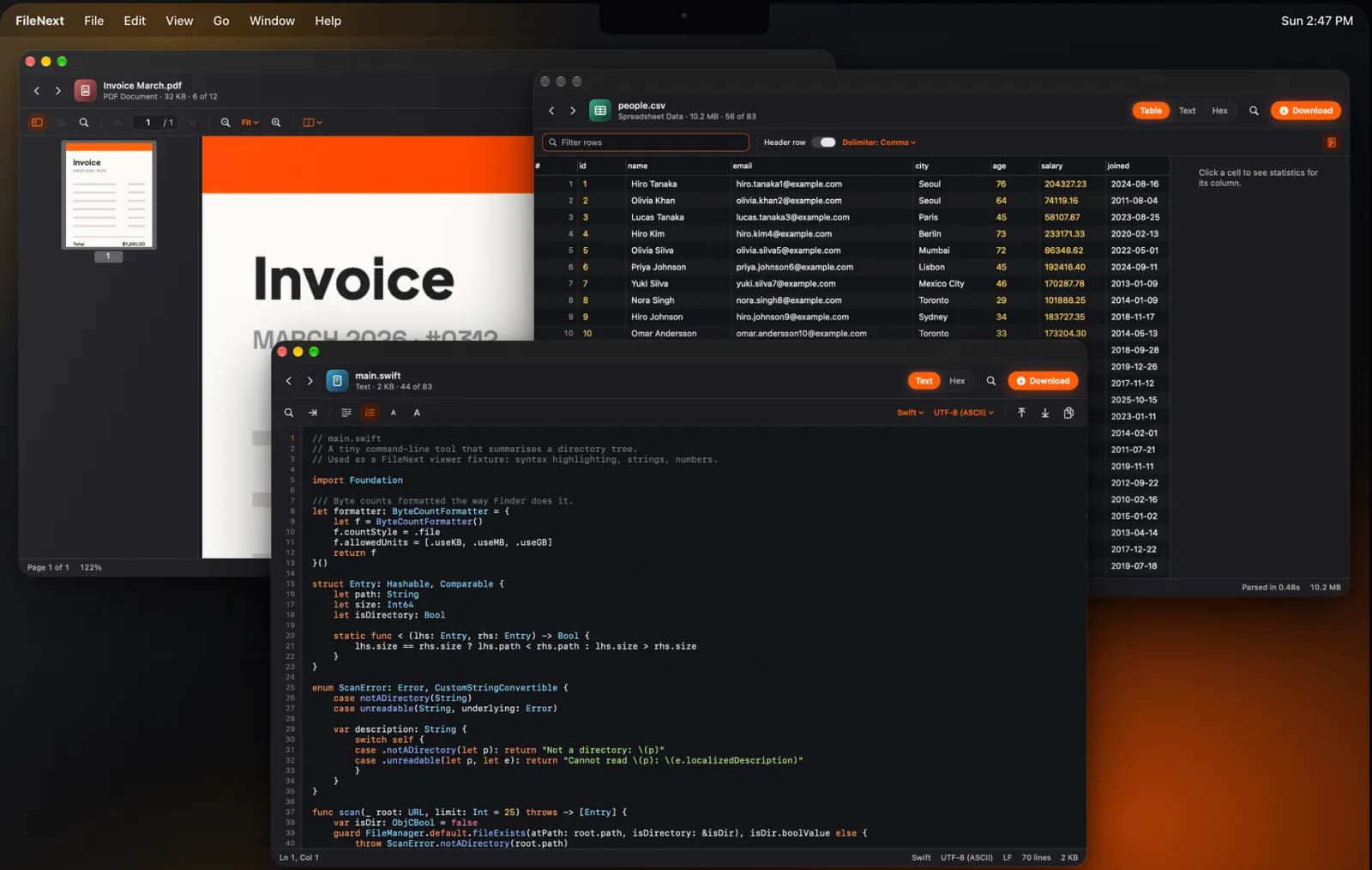
Open the files a browser can't.
PDFs, Word, Excel and PowerPoint files, Pages, Numbers and Keynote, CSV, e-books, Markdown and code, fonts, 3D models and archives open in the app's own viewer, each in its own window.
- Spreadsheets as tables you can filter
- Code with syntax colours
- Download any file from the viewer
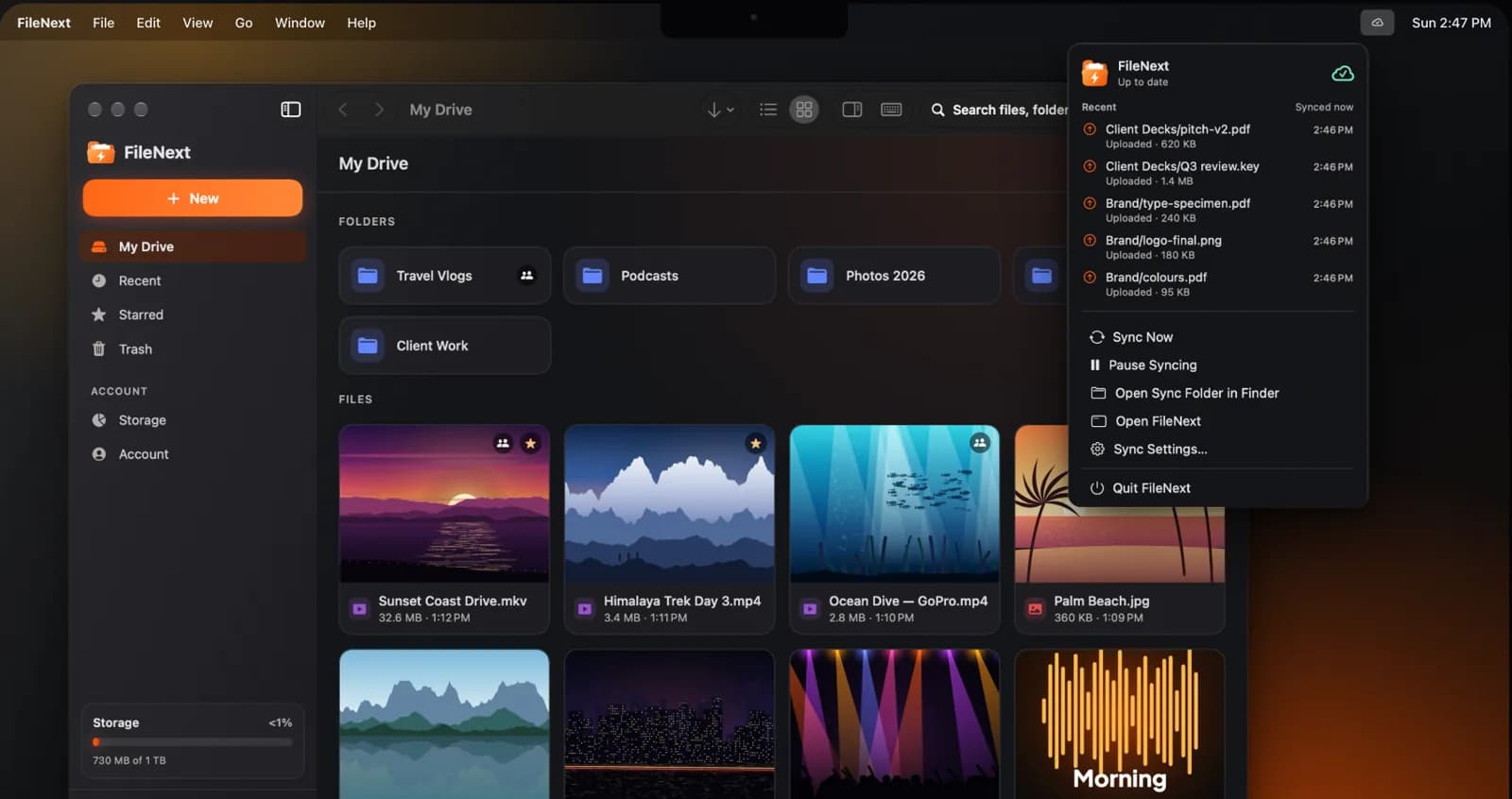
Keep a folder in sync from the menu bar.
Pair a folder on your Mac with a folder in FileNext: both ways, upload only or download only. It stays off until you turn it on in Settings.
- If a file changes in both places, you keep both copies
- Deleted files go to the Trash on both sides
- Sync Now, Pause Syncing and recent files in the menu bar
A player for almost any video
Shared links in the app
Files already on your Mac
The web app is the full drive.
Nothing to install
Every feature, free
Uploads of any size, previews, folders, share links and Trash all work in the browser. See the features.
Links open anywhere
Started in Telegram? Bring it into the drive.
The bot is a quick way to upload and share videos from your phone. When you want folders, previews and other file types, connect a web account.
- Tap FileNext accountThe bot sends a one-time link that works for 15 minutes.
- Sign in or sign upOpen the link, then sign in or create an account.
- See what will moveCheck the videos and covers that will come across, then connect.
- One accountYour videos land in the drive, and the bot keeps working for uploads, links and covers.
Questions about the apps.
Is FileNext in the App Store or Google Play?
Some of the apps are. The download page links to every app that's live, and the rest are coming soon.
Does the web app work on my phone?
Do the apps use the same account?
Do people need an app to open my links?
Which browsers are supported?
Current versions of the major browsers. If something looks wrong in yours, tell us.
Your 1 TB is ready.
Create an account in the browser, then sign in to the Mac app with it.